What is Tongbu Assistant Free Download for Windows?
Tongbu Assistant is a free mobile content manager for Windows. It lets you manage your iOS and Android devices directly from your PC. You can install apps, transfer files, create backups, and manage contacts — all without opening iTunes. It is one of the most complete free mobile managers available for Windows users today.
The tool connects your phone via USB and detects it automatically. Once connected, you get full access to apps, media, messages, and files on your device. For users who also need disk imaging tools, Win32 Disk Imager is a great free companion tool for Windows.
Tongbu Assistant works with both standard and jailbroken iOS devices. It supports iOS 9 through iOS 16 and most Android phones. According to FileHorse, it is one of the most popular iOS and Android content managers available for Windows, with a clean interface and a wide range of tools.
Why Use This Software?
- Manage iOS and Android devices without needing iTunes for every task.
- One tool for apps, files, media, messages, and backups.
- Works with both standard and jailbroken iOS devices.
- Free to download with no hidden charges.
- Simple interface — no technical knowledge needed.
- Supports iOS 9 to iOS 16 and most Android phones.
- Real-time screen view and screenshot tool built in.
Screenshots
Key Features
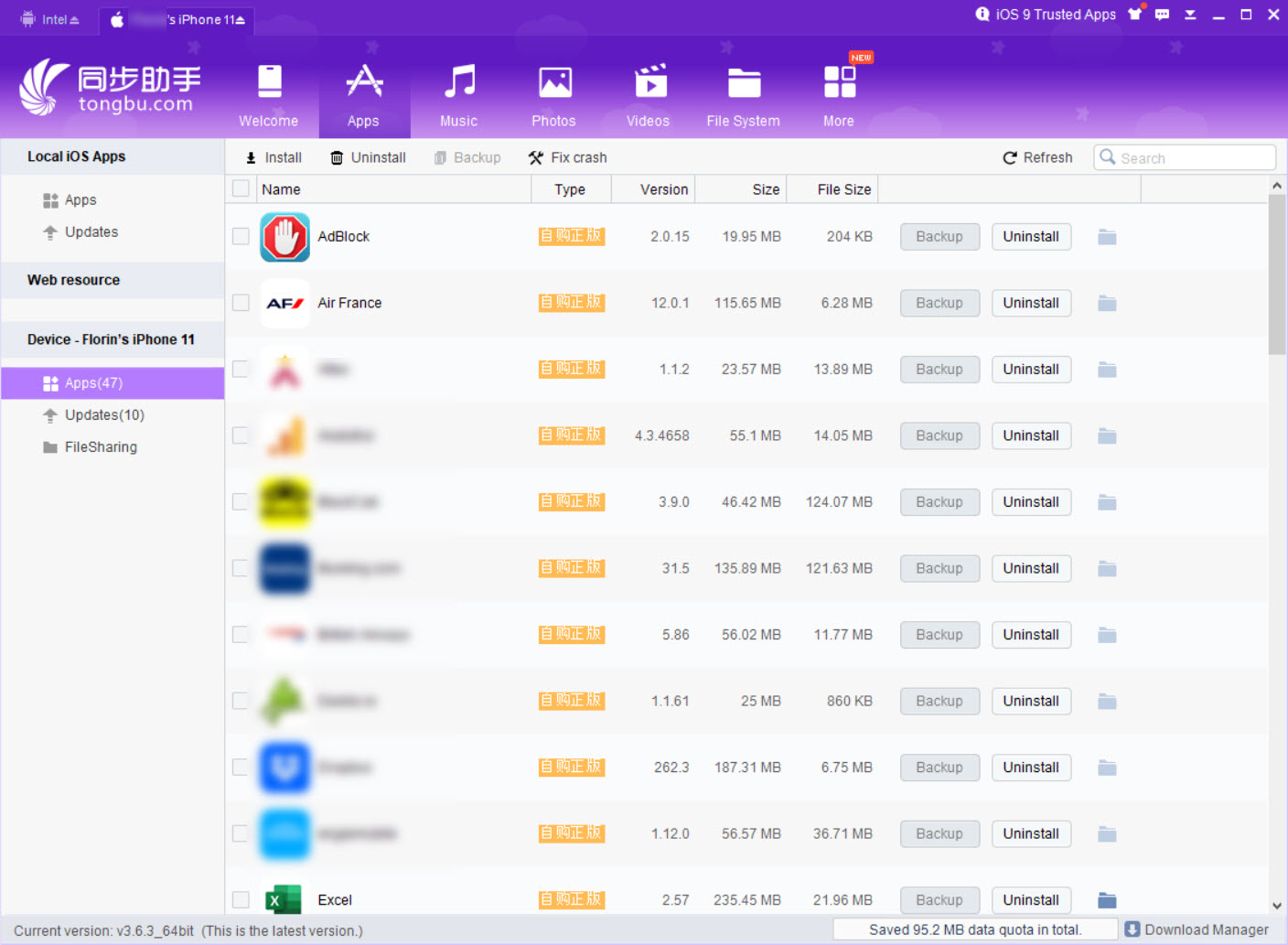
- 📱 Complete App Management – Install, remove, and update apps and games on your iOS or Android device.
- 📁 Built-in File Manager – Browse, upload, and download files between your PC and phone with ease.
- 💾 Backup and Restore – Create a full backup of your device including apps and personal data.
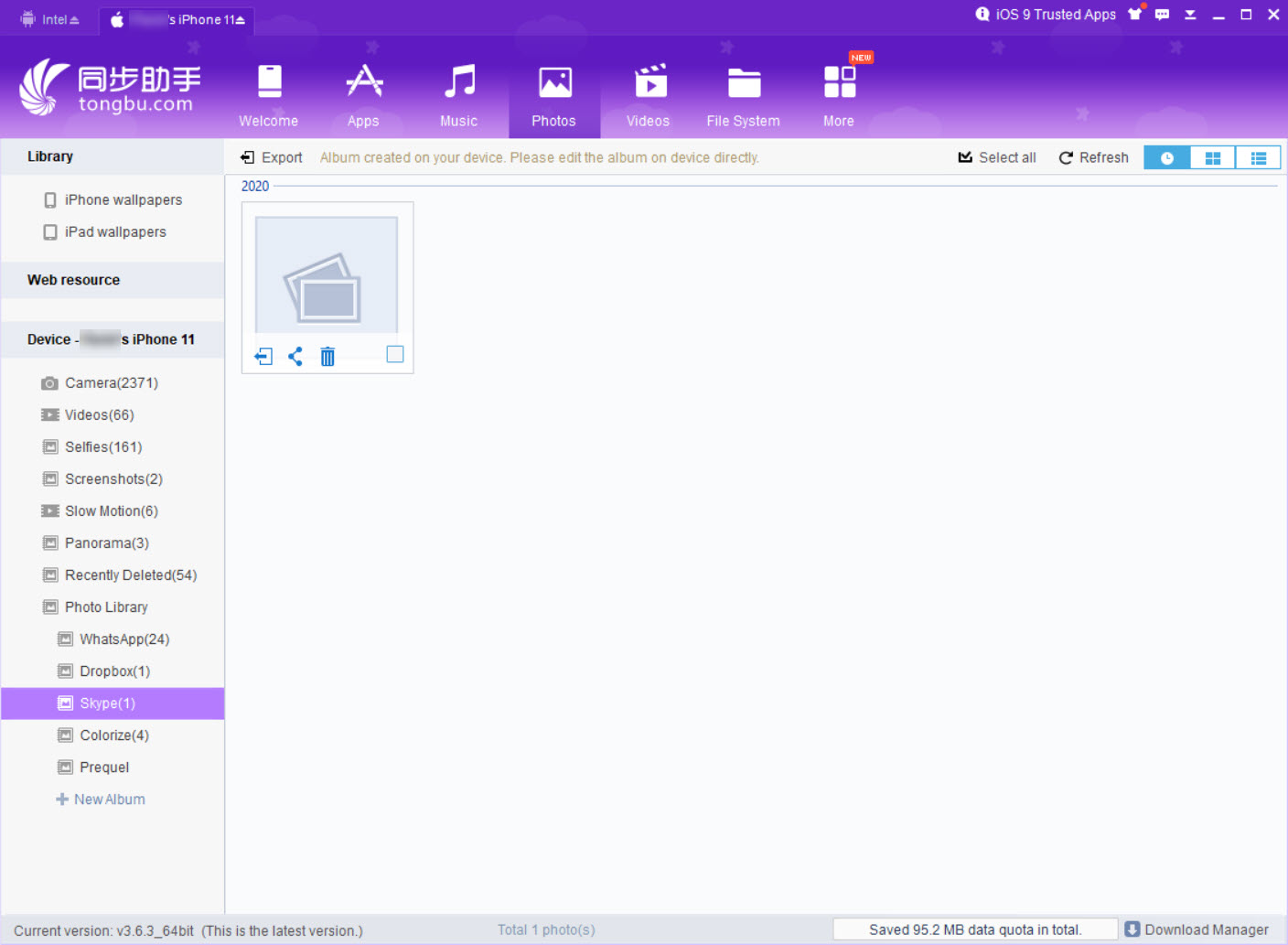
- 🎵 Media Library Manager – Manage photos, videos, music, and voice memos from your desktop.
- 💬 Message Management – View and manage SMS and chat app messages directly from your PC.
- 🔔 Custom Ringtone Creator – Trim MP3 files to create custom ringtones for your device.
- 🎨 Wallpaper Library – Browse and set wallpapers from a built-in collection.
- 🔄 Firmware Updates – Download and install firmware packages directly from the app.
- 🧹 Junk File Cleaner – Remove cache, browsing history, and saved passwords to free up space.
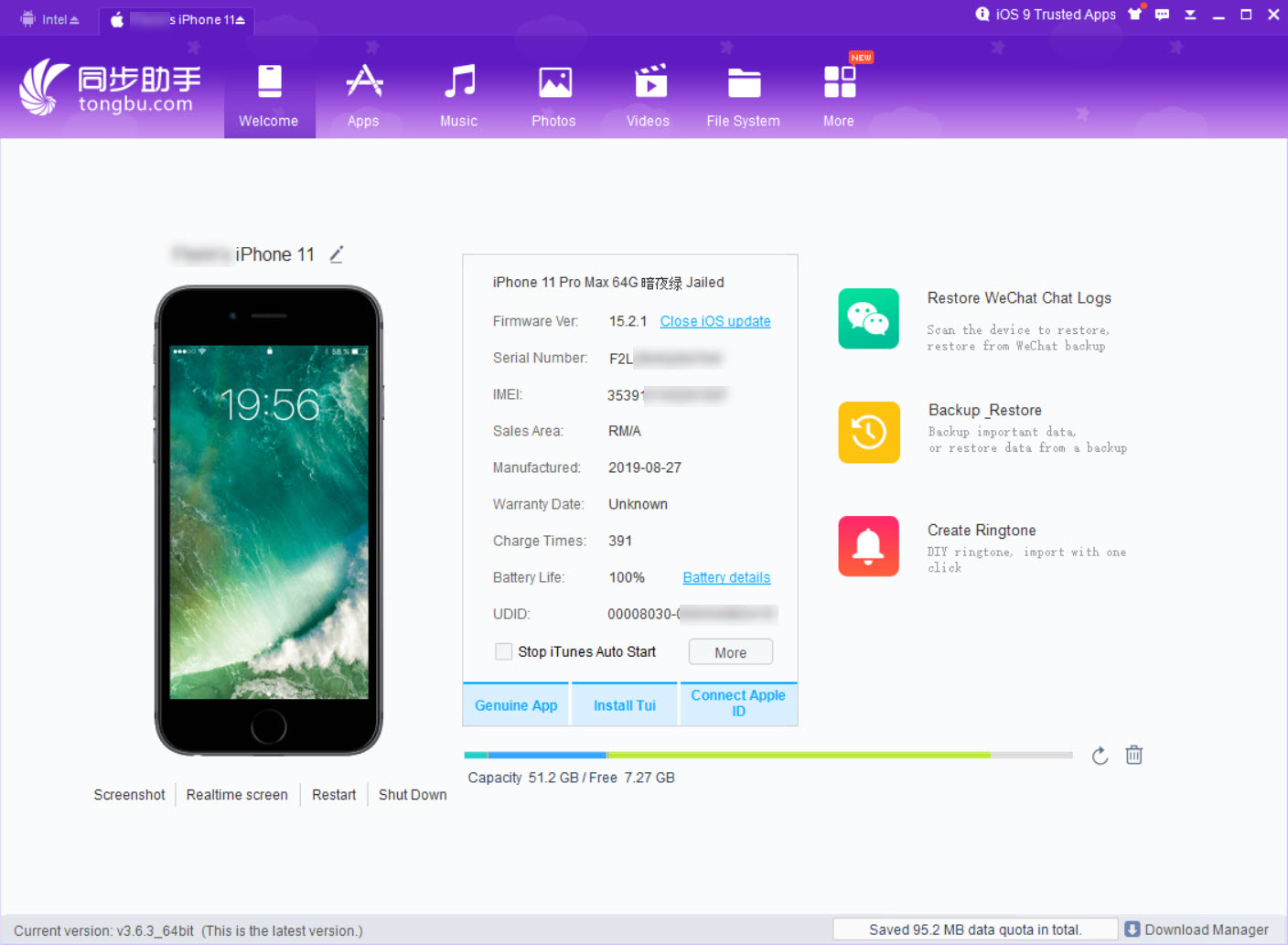
- 📲 Screen Manager – Take screenshots and view your phone screen in real time from your PC.
How to Install
- Download the Tongbu Assistant installer from the link below.
- Run the setup file and follow the installation steps.
- Install iTunes from the official Apple website if you use an iOS device.
- Connect your phone to your PC via USB cable.
- Launch Tongbu Assistant — your device will be detected automatically.
- Also Download Discord for Windows – Free
System Requirements
| OS | Windows 7, 8, 10, 11 |
| CPU | Intel or AMD Processor |
| RAM | 1 GB minimum |
| Storage | 200 MB free disk space |
| Other | iTunes required for iOS devices |
| File Size | ~45 MB |
Pros and Cons
Pros
- Free to download and use
- Works with iOS and Android devices
- No iTunes needed for basic file transfers
- Complete app, file, and media management
- Works with jailbroken iOS devices
- Built-in backup and restore tool
- Custom ringtone and wallpaper tools
- Real-time screen view from PC
- Supports iOS 9 through iOS 16
- Lightweight and easy to use
Cons
- No longer actively maintained
- Requires iTunes for iOS management
- Occasional crashes reported by users
- Unofficial app store may have unverified apps
- Limited official customer support
- Windows Store iTunes version not compatible
- Some features require jailbreak to work
- Interface feels slightly outdated
- No dedicated Android-only version
- No recent updates or bug fixes
Power Tips
Conclusion
Tongbu Assistant is a solid free tool for managing your iOS or Android device from Windows. It covers everything from app management and file transfer to backups and media. The Tongbu Assistant iOS Android manager is a great choice for users who want one simple tool for all their mobile management needs.
If you need to transfer files, clean up storage, or back up your phone without relying on iTunes, Tongbu Assistant gets the job done quickly and easily. It is free, lightweight, and works with a wide range of iOS and Android devices.


Comments (0)