
What is NbuExplorer Free Download for Windows?
NbuExplorer Nokia backup viewer is a free, open-source tool for Windows. It lets you open, read, and extract data from Nokia backup files. If you saved old Nokia backups on your PC, NbuExplorer gives you full access to contacts, messages, photos, and more. The tool is lightweight, easy to use, and does not require installation.
NbuExplorer was built by developer Petr Vilém and is licensed under GPL. It works with backup files made by Nokia PC Suite and Nokia Ovi Suite. So if you have old Nokia data from years ago, this tool can help you get it back fast. For other mobile tools on Windows, also check out Win32 Disk Imager which helps you write and read disk images easily.
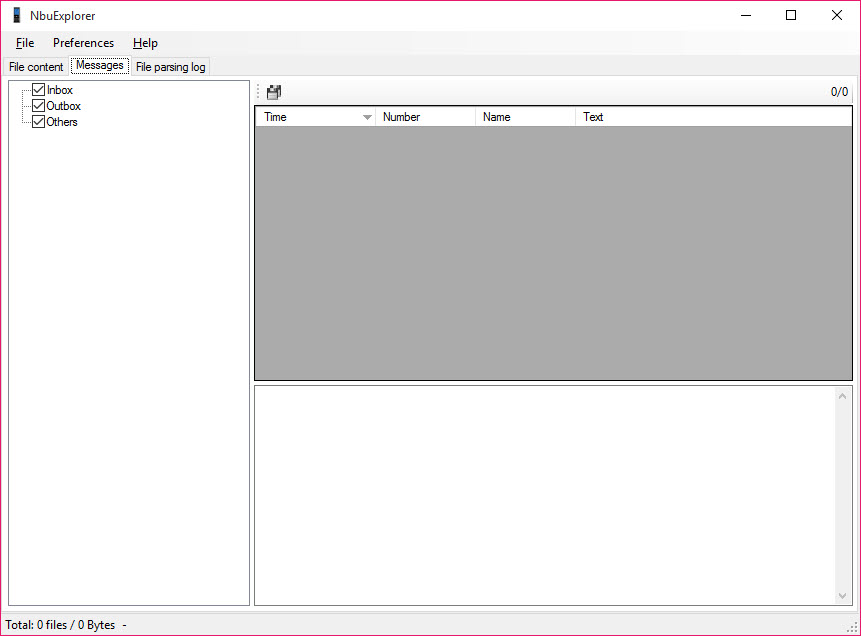
The tool uses a Windows Explorer-style layout. You get a clean dual-pane view where you can browse all your backup contents in one place. According to Softpedia, NbuExplorer works flawlessly on all Windows versions and stays light on system resources at all times.
Why Use This Software?
- Works with all Nokia backup formats from PC Suite and Ovi Suite.
- No installation needed — portable version runs from any folder.
- Easy dual-pane interface — no technical knowledge required.
- Recover contacts, messages, photos, and more from old backups.
- Completely free and open source under GPL license.
- Lightweight — runs on old and low-spec Windows PCs.
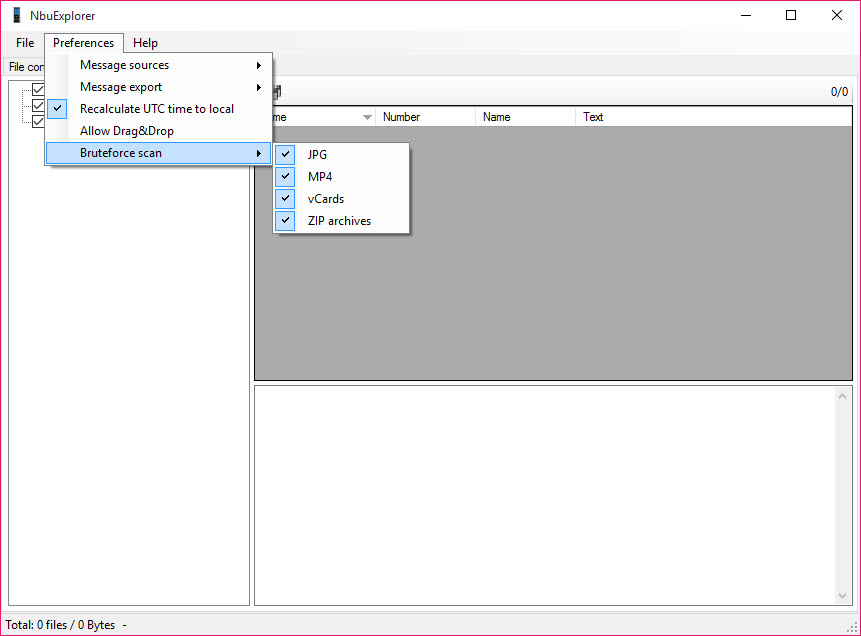
- Supports brute force scan to find hidden data in any file.
Screenshots
Key Features
- 📂 Multiple Format Support – Opens NBU, NBF, NFB, NFC, and ARC Nokia backup files with ease.
- 👥 Contact Extraction – View and export all saved contacts from your Nokia backup file.
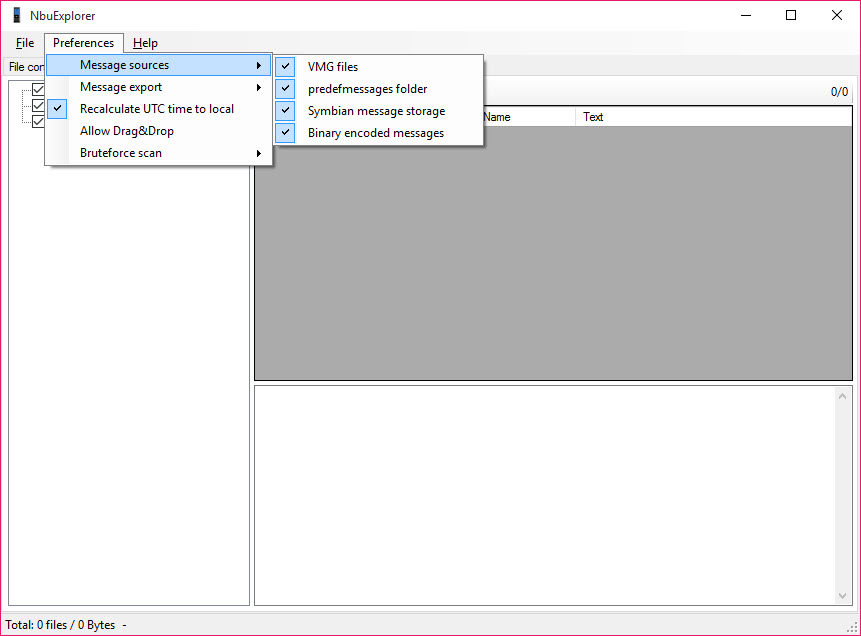
- 💬 Message Recovery – Read and extract SMS and MMS messages stored in the backup.
- 📅 Calendar and Memo Access – Browse calendar entries, notes, and memos from old Nokia devices.
- 🖼️ Media File Extraction – Extract photos, videos, and audio files from your Nokia backup.
- 🔍 Brute Force Scan – Scan any file for vCard data, JPEG images, 3GP videos, and ZIP archives.
- 🗂️ Dual-Pane Interface – Windows Explorer-style layout makes file browsing fast and simple.
- 🔖 Bookmark Recovery – View and save browser bookmarks stored in Nokia backup files.
- 📦 Portable Version Available – Run NbuExplorer without installing anything on your PC.
- 🆓 Free and Open Source – Completely free under GPL license with no ads or hidden costs.
How to Install
- Download the NbuExplorer installer or portable ZIP file from the link below.
- Run the setup file or extract the ZIP to any folder on your PC.
- Launch NbuExplorer — no installation needed for the portable version.
- Click File and open your Nokia backup file (NBU, NBF, NFB, NFC, or ARC).
- Browse the contents and extract the files you need.
- Also Download Win32 Disk Imager for Windows – Free
System Requirements
| OS | Windows XP, Vista, 7, 8, 10, 11 |
| CPU | Intel or AMD Processor |
| RAM | 256 MB minimum |
| Storage | 10 MB free disk space |
| Other | .NET Framework 2.0 or higher |
| File Size | ~1 MB |
Pros and Cons
Pros
- Free and open source under GPL license
- Supports all major Nokia backup formats
- No installation required — portable version available
- Easy Windows Explorer-style interface
- Extracts contacts, messages, photos, and more
- Brute force scan for damaged backup files
- Lightweight — runs on very old Windows PCs
- Works with Nokia PC Suite and Ovi Suite files
- Drag and drop support for easy file export
- Completely free with no ads or subscriptions
Cons
- No help documentation included
- Only works with Nokia backup files
- Last major update was in 2012
- No support for Android or iOS backups
- Requires .NET Framework 2.0
- Interface looks outdated
- No export to CSV or Excel format
- No search function within backup contents
- Some installers may bundle unwanted software
- Community support only — no official help desk
Power Tips
Conclusion
NbuExplorer is the best free tool available for opening and extracting Nokia backup files on Windows. If you have old NBU, NBF, or ARC files from a Nokia device, this tool gives you full access to your data quickly and easily. The NbuExplorer Nokia backup viewer is lightweight, portable, and completely free.
Whether you want to recover old contacts, read saved messages, or extract photos from a years-old Nokia backup, NbuExplorer gets the job done. It may be a simple tool, but for Nokia backup recovery it remains unmatched.





Comments (0)