
Bitcoin Core Free Download for Windows – Full Node
What is Bitcoin Core Free Download for Windows – Full Node?
The Bitcoin Core free download gives you the official, open-source Bitcoin wallet and full node software for Windows. Moreover, it validates every transaction and block itself, so you never trust a third party. Because it connects directly to the network, it offers the highest level of security and privacy. Therefore, it suits serious users who want full control over their coins. Created by the Bitcoin community and released under the MIT license, Bitcoin Core stays completely free.
Bitcoin Core works by downloading and verifying the entire blockchain on your own machine. As a result, you independently confirm payments without relying on outside servers. In addition, it includes a built-in wallet with coin control, fee control, and address rotation. For a lighter Bitcoin wallet instead, check out Electrum Bitcoin Wallet which syncs fast without storing the full chain.
After testing it on a spare PC, the full node validated transactions on its own once the sync finished. Furthermore, keeping private keys stored locally felt far safer than using an exchange. The Bitcoin Core free download is best suited to anyone who values independence and decentralization. According to Wikipedia, Bitcoin Core is the reference implementation of the Bitcoin protocol.
Why Use This Software?
- The Bitcoin Core free download gives you full control of your coins.
- Moreover, running a full node removes all trust in third parties.
- In addition, local private keys keep your Bitcoin safe from exchange hacks.
- Furthermore, coin and fee control give you precise power over transactions.
- Also, pruning mode lets you run a node even on smaller drives.
- Besides, your node helps strengthen and decentralize the whole network.
- Finally, it is free, open source, and audited by developers worldwide.
Screenshots
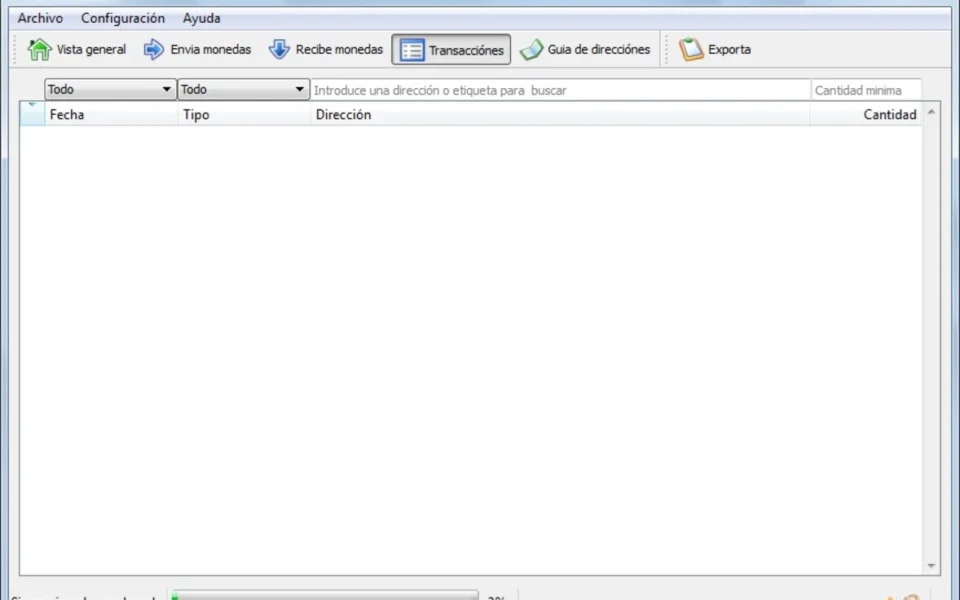
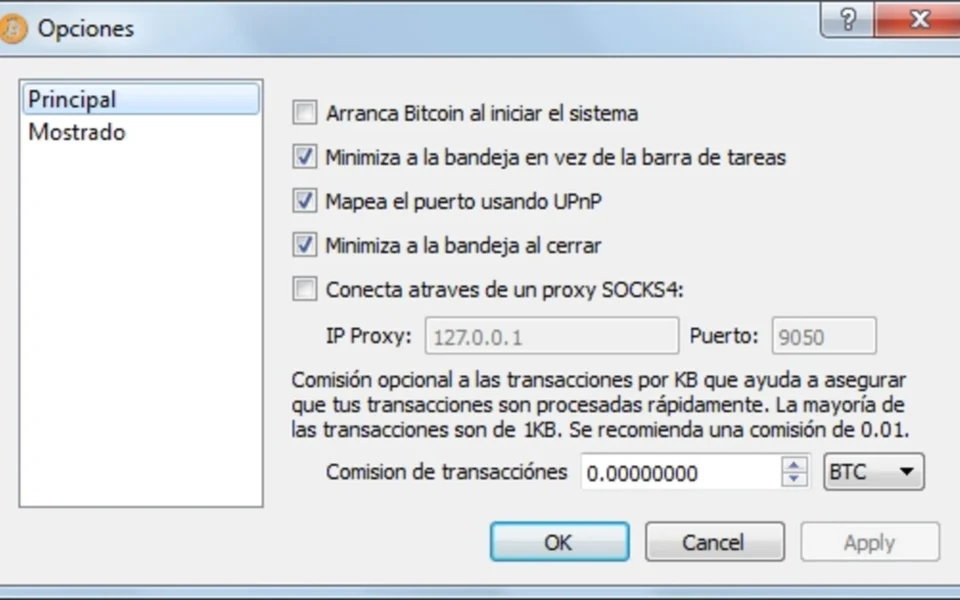
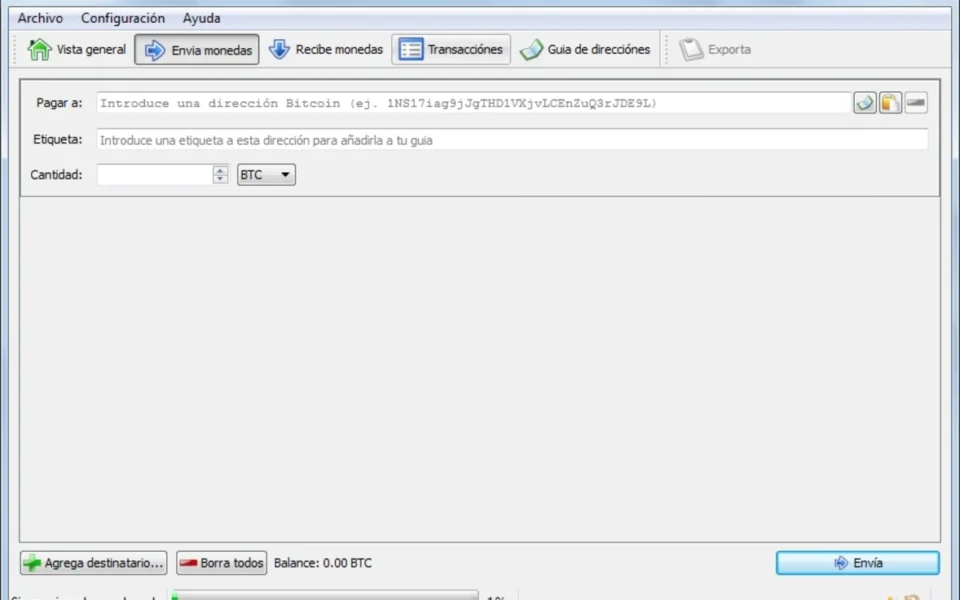
Key Features
- 🔗 Full Node Validation – Verifies every block and transaction independently.
- 💼 Built-In Wallet – Sends, receives, and stores your Bitcoin securely.
- 🔑 Local Private Keys – Keeps your keys on your device, not a server.
- 🗜 Pruning Mode – Shrinks storage to about 10GB without losing security.
- 🎛 Coin Control – Picks specific inputs for precise transaction building.
- 💸 Fee Control – Adjusts fees with RBF and CPFP after sending.
- 🔒 Privacy Tools – Rotates addresses to make tracking your balance harder.
- 🖥 GUI and CLI – Offers both graphical and command-line interfaces.
- 🌍 Cross-Platform – Runs on Windows, macOS, and Linux systems.
- 🆓 Free and Open Source – No cost, released under the MIT license.
How to Install
- Download the Bitcoin Core installer from the link below.
- Run the setup file and choose an install folder.
- Pick a directory with enough space for the blockchain.
- Enable pruning if you have limited disk space.
- Let it sync, then create or load your wallet.
- Also try VeraCrypt to encrypt your wallet backups and keep your keys extra safe.
System Requirements
| OS | Windows 10 and 11 (64-bit) |
| CPU | Any modern Intel or AMD Processor |
| RAM | 2 GB minimum, 4 GB recommended |
| Storage | 600GB full, or ~10GB with pruning |
| Internet | Broadband with good upload speed |
| Note | Long initial sync of several days |
Pros and Cons
Pros
- Completely free and open source
- Full node, highest security
- Local, non-custodial key storage
- Pruning saves disk space
- Coin control and RBF fees
- Strong privacy features
- GUI and command-line options
- Strengthens the network
- Cross-platform support
- Audited by global community
Cons
- Needs up to 600GB storage
- Long initial sync time
- High bandwidth usage
- Complex for total beginners
- Only supports Bitcoin
- Heavy on system resources
- No built-in exchange
- Lost keys cannot be recovered
- Not ideal for quick casual use
- Basic wallet interface
Power Tips
Conclusion
The Bitcoin Core free download is the most trusted way to run a full Bitcoin node and manage your coins on Windows. It validates the entire blockchain itself, keeps your private keys local, and gives you complete control over every transaction. Moreover, features like pruning, coin control, and RBF fees make it powerful for serious users.
In real-world use, Bitcoin Core is best suited to those who value privacy, security, and true decentralization over quick convenience. While it needs large storage and a long initial sync, its independence and security are hard to beat. Therefore, if you want full control of your Bitcoin, the Bitcoin Core free download is the gold standard for your Windows PC.







Comments (0)