
What is GOM Player Free Download for Windows?
The GOM Player Free Download gives you a powerful, free media player for Windows that plays almost any video or audio file. It supports over 100 formats including MP4, MKV, AVI, FLV, and WMV. The player comes with built-in codecs, so you can play most files without installing anything extra. It is made by GOM & Company from South Korea and is trusted by millions of users worldwide.
GOM Player stands out for its smart Codec Finder. When you open a file it cannot play, the player searches for the missing codec and guides you through installing it. It also plays broken or partly downloaded video files — a feature most players do not have. For another great media player, check out VLC Media Player which also plays nearly every format on Windows.
The player has a clean, simple interface that beginners can use with ease. After testing it on an older laptop, the smooth playback and low memory use really stood out — it stayed responsive even with large MKV files. According to The Windows Club, GOM Player can even open corrupt and damaged video files that other players fail to play.
Why Use This Software?
- The GOM Player Free Download plays almost any file without extra codec hassle.
- Built-in Codec Finder fixes playback issues automatically.
- Opens broken and partly downloaded files other players reject.
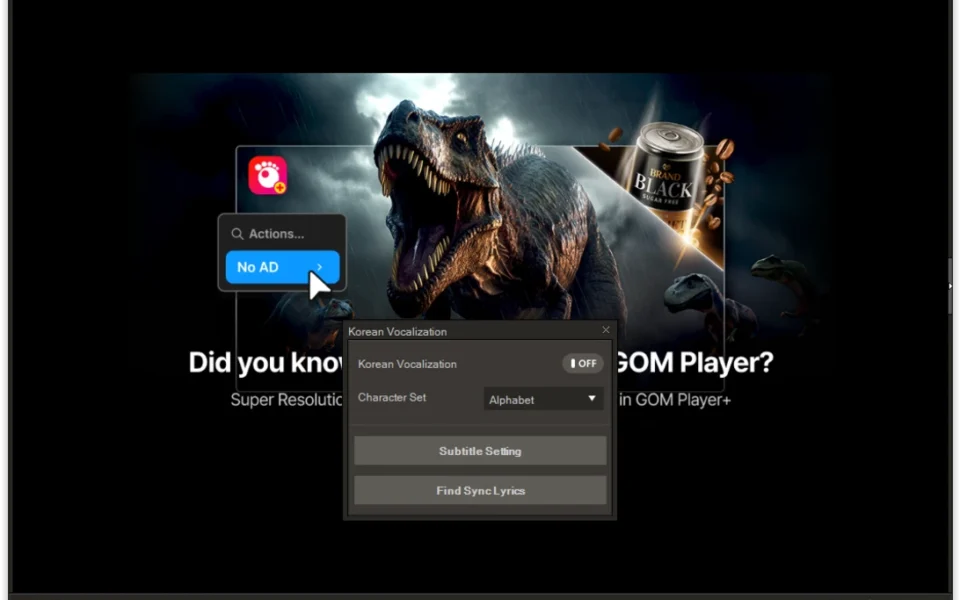
- Huge subtitle library with auto-search and real-time sync.
- Lightweight design runs smoothly even on older computers.
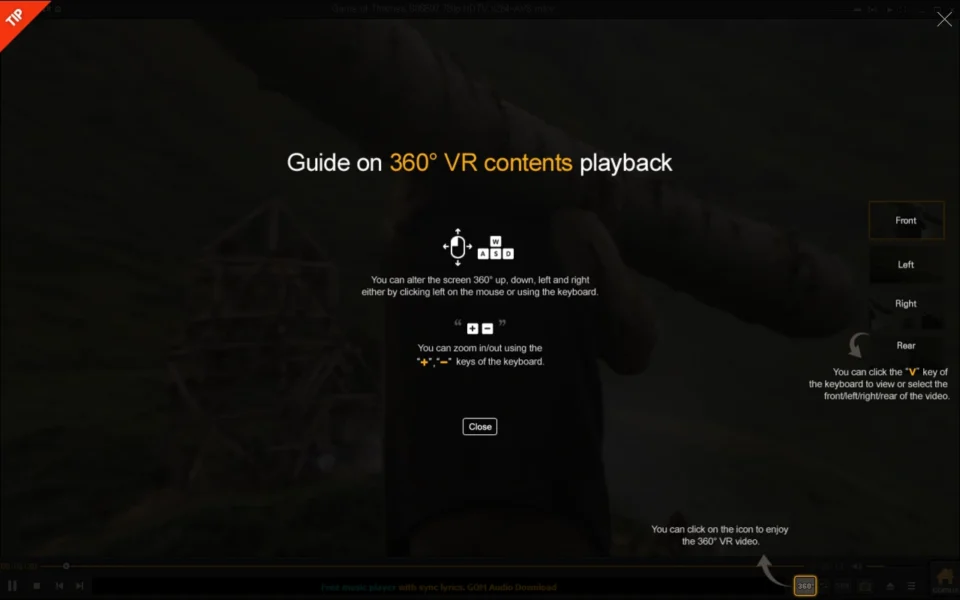
- 360-degree VR support for immersive video viewing.
- Free to use, with an optional ad-free GOM Player+ upgrade.
Screenshots
Key Features
- 🎬 100+ Format Support – Plays MP4, MKV, AVI, FLV, WMV, MOV, and many more formats.
- 🧩 Smart Codec Finder – Automatically finds and installs missing codecs for any file.
- 🔧 Broken File Playback – Opens damaged or still-downloading AVI files that others cannot.
- 📝 Powerful Subtitles – Auto-search, sync, and customize subtitles in SRT, SMI, SUB, and ASS.
- 🕶️ 360-Degree VR Video – Watch immersive 360-degree and VR content right in the player.
- 🔁 A-B Repeat – Loop a chosen section of a video, great for learning and practice.
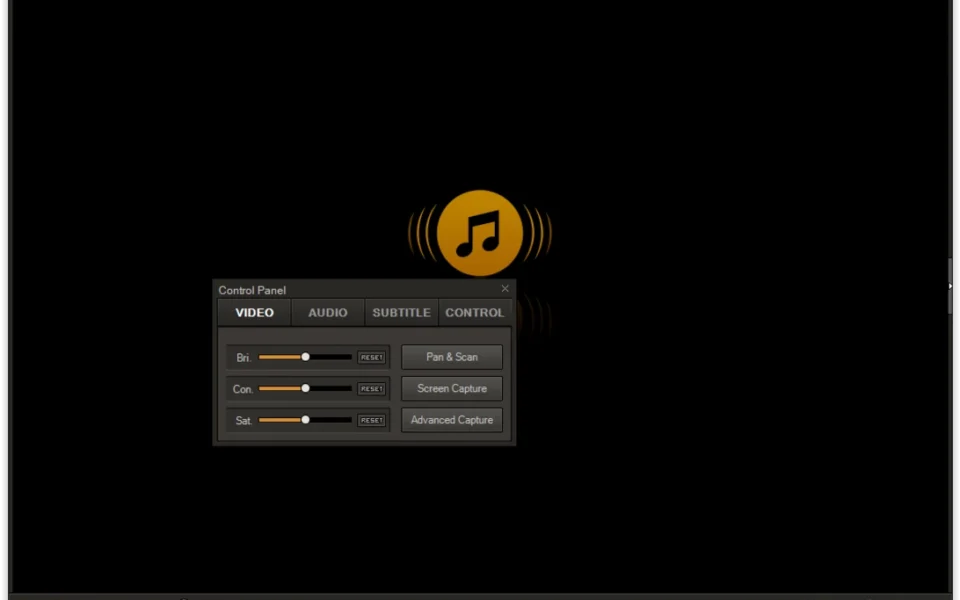
- 📸 Screen Capture – Take single or burst screenshots of up to 999 shots from any video.
- 🎨 Custom Skins – Personalize the look with hundreds of community-made skins and themes.
- ⚡ Hardware Acceleration – Smooth 4K and HD playback even on low-end PCs.
- 🆓 Free to Use – The standard version is free, with a paid GOM Player+ for an ad-free experience.
How to Install
- Download the GOM Player installer from the link below.
- Run the setup file and follow the on-screen install steps.
- Launch GOM Player after the installation finishes.
- Drag and drop any video or audio file into the player to start.
- Use the Codec Finder if a file needs a codec you do not have.
- Also Download Format Factory for Windows – Free
System Requirements
| OS | Windows 7, 8, 8.1, 10, 11 (32/64-bit) |
| CPU | Intel or AMD Processor |
| RAM | 512 MB minimum |
| Storage | 100 MB free disk space |
| Graphics | DirectX compatible GPU |
| File Size | ~50 MB |
Pros and Cons
Pros
- Free and plays 100+ formats
- Built-in codecs for most files
- Plays broken and damaged files
- Huge subtitle library with auto-sync
- 360-degree and VR video support
- Lightweight, runs on old PCs
- Screen capture and A-B repeat
- Custom skins and themes
- Hardware-accelerated 4K playback
- Trusted by millions of users
Cons
- Free version shows ads
- EAC3 and DTS codecs are paid
- DVD playback can be hit or miss
- Some MKV files may lose audio
- Nudges you toward paid GOM Player+
- Occasional bundled offers in setup
- Not open source like VLC
- Some audio tracks not supported
- Ads can interrupt the experience
- Support quality varies by report
Power Tips
Conclusion
The GOM Player Free Download is a strong choice for anyone who wants a free media player that just works. It plays almost every format, fixes codec problems on its own, and even opens broken files that other players cannot handle.
In real-world use, GOM Player feels best suited to casual viewers and anime fans who value its excellent subtitle handling and lightweight performance. If you can live with a few ads, it is one of the most capable free players around. For a completely ad-free experience, the paid GOM Player+ is also worth a look. Overall, the GOM Player Free Download is well worth trying on your Windows PC.








Comments (0)