
Ocenaudio Free Download for Windows – Audio Editor
What is Ocenaudio Free Download for Windows – Audio Editor?
The Ocenaudio free download gives you a fast, easy-to-use audio editor that still packs powerful features on Windows. Moreover, it lets you record, cut, and enhance sound through a clean, single-window interface with no clutter. Because it previews effects in real time, you hear every change before you commit to it. Therefore, it suits podcasters, students, and anyone editing audio without a steep learning curve. Built on the Ocen Framework, Ocenaudio stays completely free across Windows, Mac, and Linux.
Ocenaudio works by loading your audio into a waveform view where you edit and apply effects visually. As a result, common tasks like cut, copy, normalize, and noise cleanup take just a few clicks. In addition, it handles very large files smoothly thanks to its smart memory management. For compressing your finished audio into a lossless format, check out Monkey's Audio which shrinks files without losing quality.
After testing it on a long interview, the real-time preview made dialing in the right EQ effortless. Furthermore, editing a two-hour file stayed fast with no lag at all. The Ocenaudio free download is best suited to anyone who wants clean, simple audio editing that still feels capable. According to Wikipedia, audio editing software lets users record, cut, and process digital sound files.
Why Use This Software?
- The Ocenaudio free download lets you hear effects before applying them.
- Moreover, the clean single-window design keeps editing simple.
- In addition, it handles hours-long files without any slowdown.
- Furthermore, VST support unlocks a huge range of extra effects.
- Also, multi-selection editing speeds up repetitive cleanup tasks.
- Besides, the spectrogram view helps you spot and remove noise.
- Finally, it is free, cross-platform, and friendly for beginners.
Screenshots
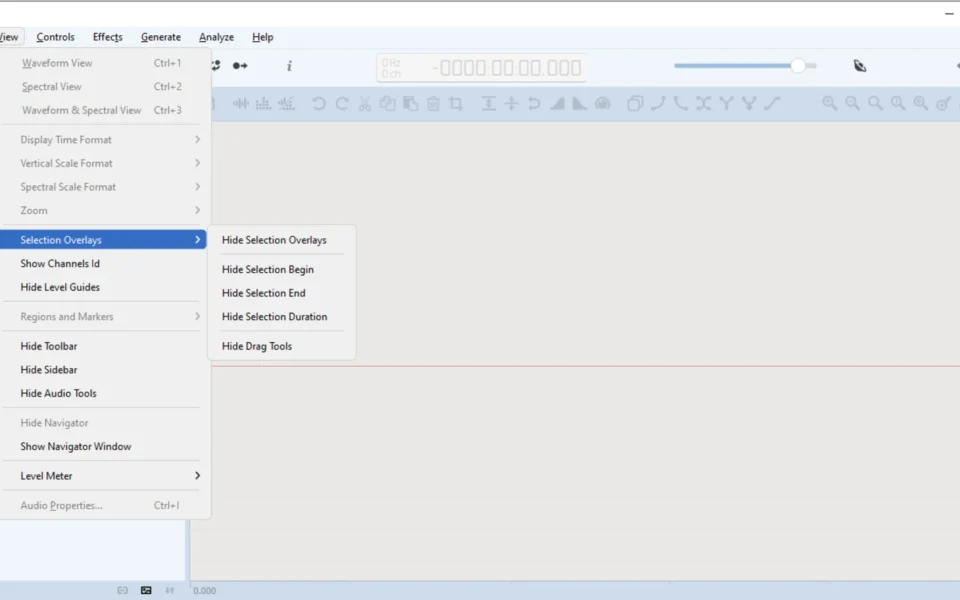
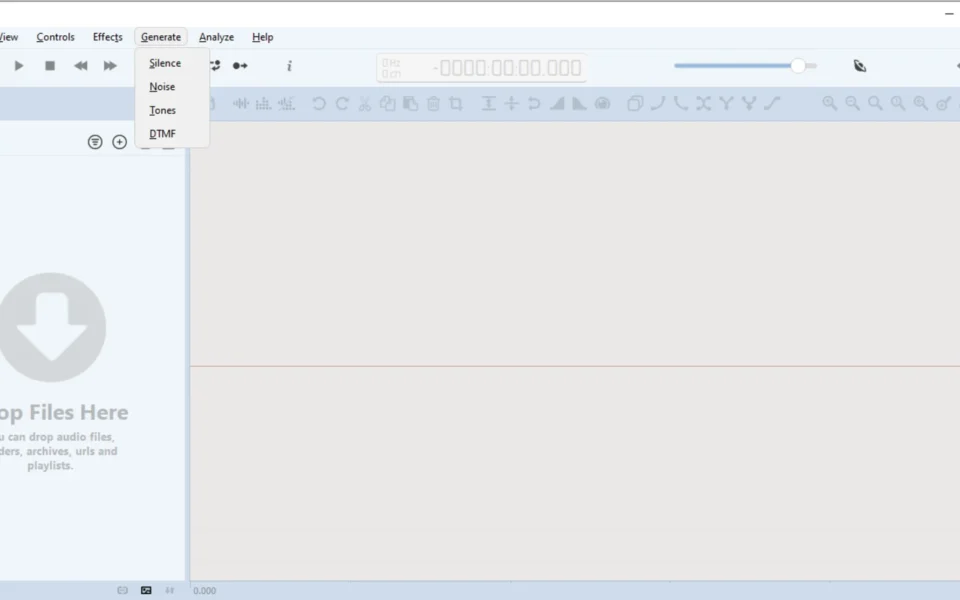
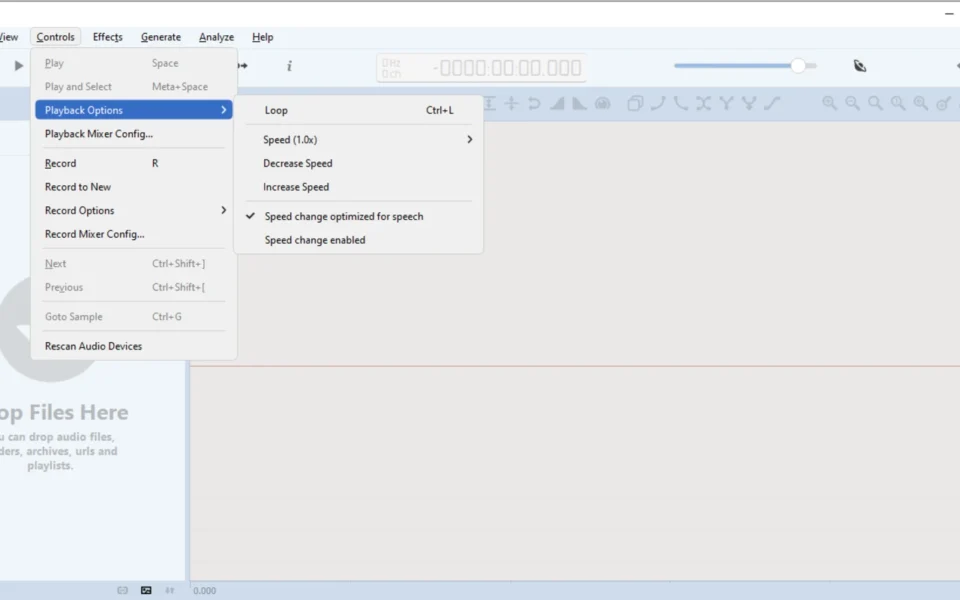
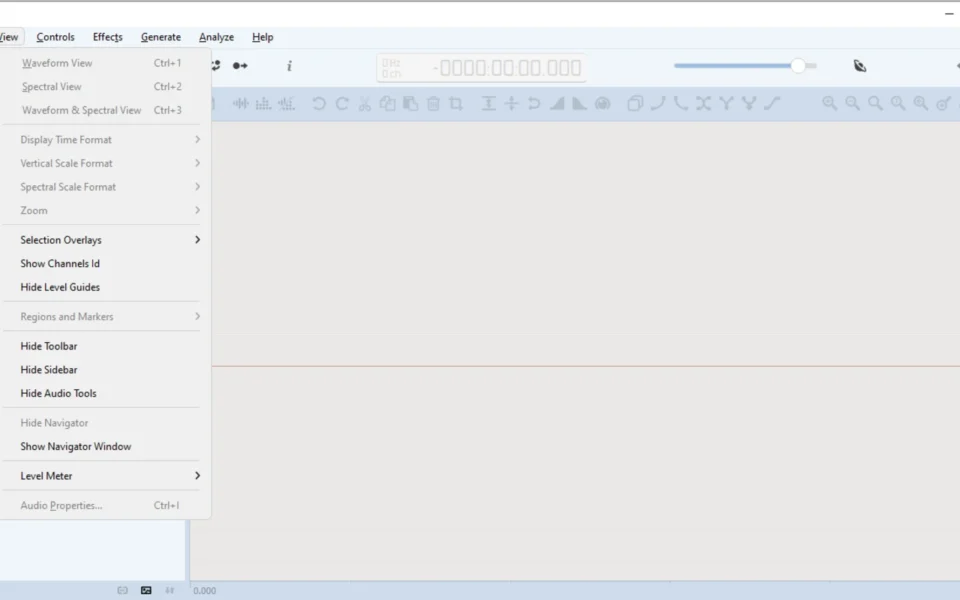
Key Features
- 🎚 Real-Time Effect Preview – Hear effects live before applying them.
- 📊 Full Spectrogram View – Analyze frequency content with real-time updates.
- 🎙 Direct Recording – Capture audio straight from your microphone or input.
- ✂️ Multi-Selection Editing – Edit several parts of a track at once.
- 🔌 VST and VST3 Support – Add powerful third-party audio plugins.
- 🧹 Trim Silence – Remove leading and trailing silence in one click.
- 📁 Wide Format Support – Opens and saves MP3, WAV, FLAC, and more.
- ⚡ Large File Handling – Edits hours-long files without slowing down.
- 🖱 Single-Window Design – Keeps every tool within easy reach.
- 🆓 Completely Free – A free, cross-platform editor with no restrictions.
How to Install
- Download the Ocenaudio installer from the link below.
- Run the setup file and follow the on-screen steps.
- Launch the app once installation finishes.
- Drag and drop an audio file into the window.
- Edit, apply effects, and export your final track.
- Also try 1by1 for a tiny, folder-based music player to preview your audio files.
System Requirements
| OS | Windows 10 and 11 (64-bit) |
| CPU | Any modern Intel or AMD Processor |
| RAM | 2 GB minimum, 4 GB recommended |
| Storage | 100 MB free disk space |
| Sound | Working audio input and output device |
| File Size | Around 45 MB download |
Pros and Cons
Pros
- Completely free to use
- Real-time effect preview
- Clean, simple interface
- Handles very large files
- VST and VST3 support
- Full spectrogram analysis
- Wide format support
- Cross-platform apps
- Direct recording built in
- Fast and responsive
Cons
- No multi-track editing
- Not a full DAW
- Basic effects versus premium tools
- No built-in project sessions
- 32-bit and old OS support dropped
- Limited for advanced music production
- No advanced restoration tools
- Bulk workflows need other tools
- Fewer tutorials than Audacity
- Donation-supported development
Power Tips
Conclusion
The Ocenaudio free download is an excellent audio editor for anyone who wants power and simplicity in one package on Windows. It combines real-time effect preview, spectrogram analysis, and VST support inside a clean, single-window interface. Moreover, its smart memory management keeps even hours-long files fast and responsive.
In real-world use, Ocenaudio is best suited to podcasters, content creators, and casual users who need quick, quality edits without a heavy DAW. While it lacks multi-track editing and advanced production tools, its ease of use and live preview are hard to beat. Therefore, if you edit audio often, the Ocenaudio free download is a must-have for your Windows PC.








Comments (0)