
foobar2000 Free Download for Windows – Audio Player
What is foobar2000 Free Download for Windows – Audio Player?
The foobar2000 free download gives you a fast, lightweight, and endlessly customizable audio player for Windows. Moreover, it plays almost every format and stays light on system resources, so you barely notice it running. Because it uses an open component system, you can shape it into anything from a simple player to a full audio workstation. Therefore, it appeals to both casual listeners and serious audiophiles. Created by former Winamp developer Peter Pawlowski, foobar2000 stays completely free with no ads or telemetry.
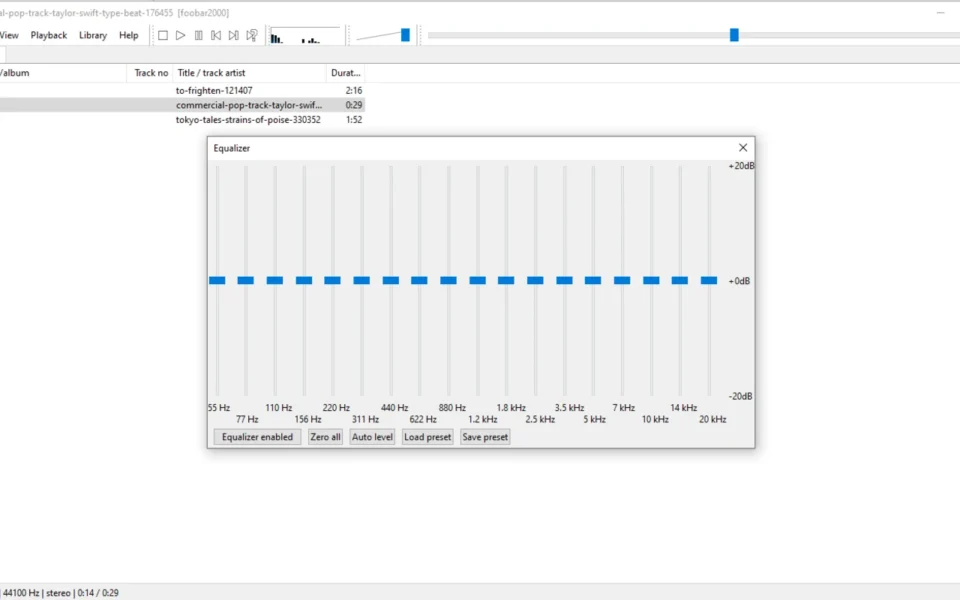
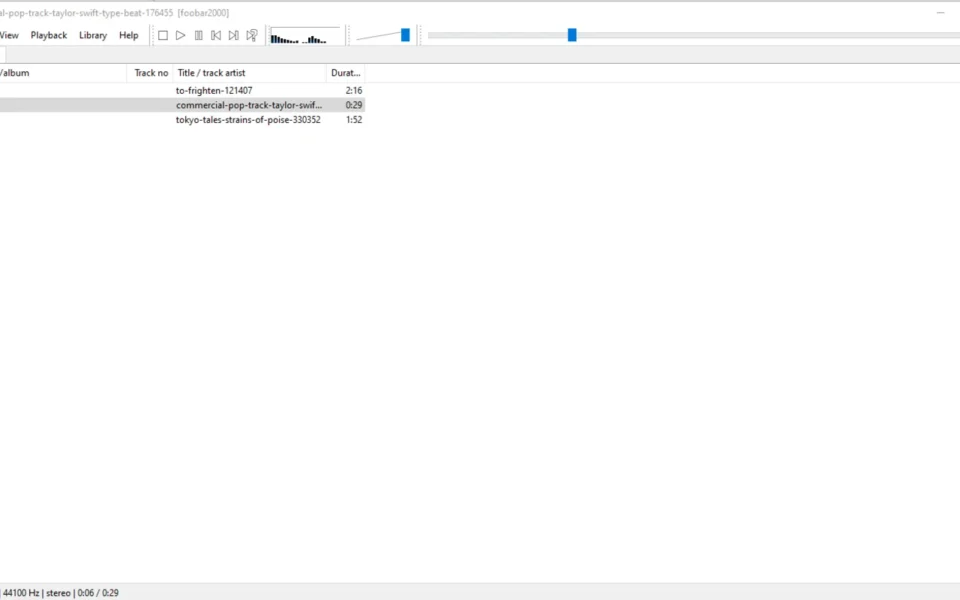
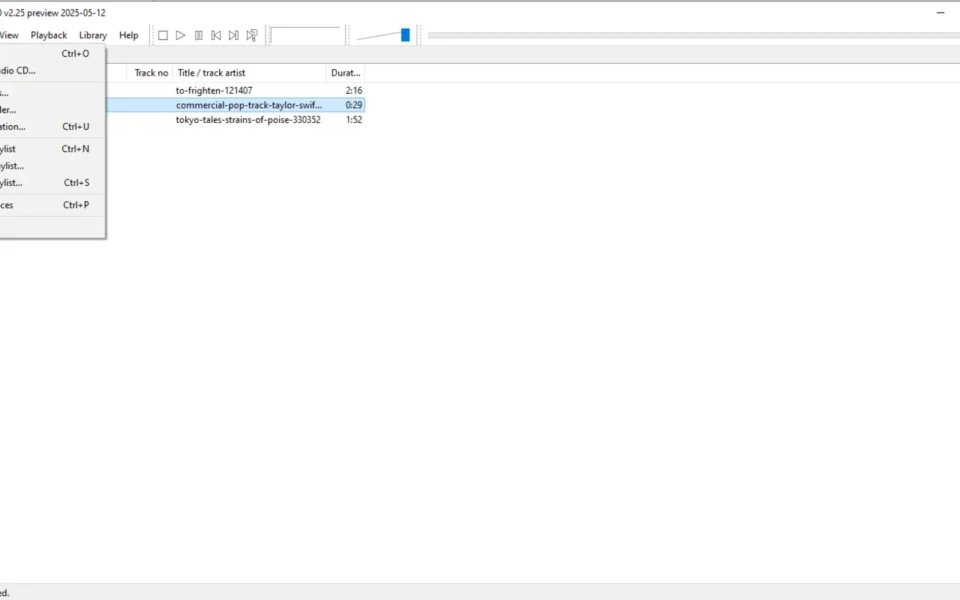
foobar2000 works by loading your music into a clean, minimal interface that you can fully rearrange. As a result, no two setups look alike, since every panel and shortcut can be customized. In addition, it supports gapless playback, ReplayGain, CD ripping, and format conversion out of the box. For a lossless way to archive your tracks, check out Monkey's Audio which compresses audio without losing quality.
After testing it on a large FLAC library, it indexed thousands of tracks in seconds and played them flawlessly. Furthermore, adding a few components turned the plain layout into my ideal player. The foobar2000 free download is best suited to anyone who wants speed, control, and clean sound. According to Wikipedia, foobar2000 is a freeware audio player known for its modular, customizable design.
Why Use This Software?
- The foobar2000 free download plays nearly every audio format you own.
- Moreover, it stays lightning fast even with huge music libraries.
- In addition, the open component system lets you add any feature you need.
- Furthermore, gapless playback keeps albums flowing smoothly.
- Also, built-in conversion and ripping save you extra tools.
- Besides, it collects no data and shows no ads whatsoever.
- Finally, it is free, stable, and trusted by audiophiles worldwide.
Screenshots
Key Features
- 🎵 Wide Format Support – Plays MP3, FLAC, AAC, WAV, Opus, and more.
- 🔇 Gapless Playback – Moves between tracks with no annoying gaps.
- 🧩 Open Components – Extends the player with hundreds of add-ons.
- 🎚 DSP and VST Effects – Applies EQ, crossfade, and third-party effects.
- 🔄 Audio Converter – Rips CDs and converts between formats easily.
- 🏷 Advanced Tagging – Edits metadata for a clean, organized library.
- 📶 Network Streaming – Streams to and from other devices on your network.
- 🎨 Full Customization – Rearranges panels and layouts to your taste.
- 🔒 No Telemetry – Collects no data and shows no ads at all.
- 🆓 Completely Free – A free, advanced audio player for Windows.
How to Install
- Download the foobar2000 installer from the link below.
- Run the setup file and pick standard or portable install.
- Follow the wizard and choose your components.
- Launch the app and add your music folders.
- Customize the layout and start playing.
- Also try 1by1 for an ultra-tiny, folder-based music player when you want something even simpler.
System Requirements
| OS | Windows 10 and 11 (also older builds) |
| CPU | Any Intel or AMD Processor |
| RAM | 512 MB minimum |
| Storage | 20 MB free disk space |
| Sound | Any standard audio output device |
| File Size | Around 10 MB download |
Pros and Cons
Pros
- Completely free to use
- Extremely fast and lightweight
- Huge format support
- Gapless playback
- Endless customization
- Built-in converter and ripping
- Advanced tagging tools
- No ads or telemetry
- Network streaming support
- Trusted by audiophiles
Cons
- Default interface looks plain
- Steep learning curve for setup
- Not open source
- No built-in streaming services
- Manual setup for advanced features
- Limited visualizations
- Can overwhelm new users
- Windows-only native app
- Few skins out of the box
- Import needed for library
Power Tips
Conclusion
The foobar2000 free download is one of the most powerful and lightweight audio players you can get for Windows. It plays almost every format, handles massive libraries with ease, and lets you customize nearly every part of the interface. Moreover, built-in tools like conversion, ripping, and advanced tagging make it far more than a simple player.
In real-world use, foobar2000 is best suited to audiophiles and power users who want speed, control, and clean sound over flashy design. While its default look is plain and setup takes some effort, its performance and flexibility are hard to beat. Therefore, if you take your music seriously, the foobar2000 free download is a must-have for your Windows PC.








Comments (0)