
Gopher360 Free Download for Windows – Controller
What is Gopher360 Free Download for Windows – Controller?
The Gopher360 free download turns your Xbox or DualShock controller into a full mouse and keyboard on Windows. Moreover, it works right out of the box with zero setup or config needed. Because it maps the analog sticks to mouse movement and buttons to clicks, you control your whole PC from the couch. Therefore, it is perfect for home theater PCs and living room setups. Built as an open-source project, Gopher360 stays small, fast, and completely free.
Gopher360 works by reading XInput controller signals and turning them into normal mouse and keyboard actions. As a result, it brings controller support to apps and games that never had it. In addition, it runs at a smooth 144Hz, so cursor movement feels responsive and clean. For a full gaming boost after setup, check out Easy Gamer Utility which frees system resources for smoother play.
After testing it on a living room PC, the controller browsed the web and launched apps without touching a keyboard once. Furthermore, the setup took under a minute from download to use. The Gopher360 free download is best suited to anyone who games or streams from the couch. According to GitHub, Gopher360 is a free zero-config app released under the GNU GPL license.
Why Use This Software?
- The Gopher360 free download lets you control your PC from the couch.
- Moreover, it needs zero setup, so it works the moment you run it.
- In addition, it brings controller support to apps that never had it.
- Furthermore, the 144Hz update rate keeps cursor movement smooth.
- Also, you can remap any button through the simple config file.
- Besides, it stays tiny and portable, so it runs from any folder.
- Finally, it is free, open source, and perfect for HTPC setups.
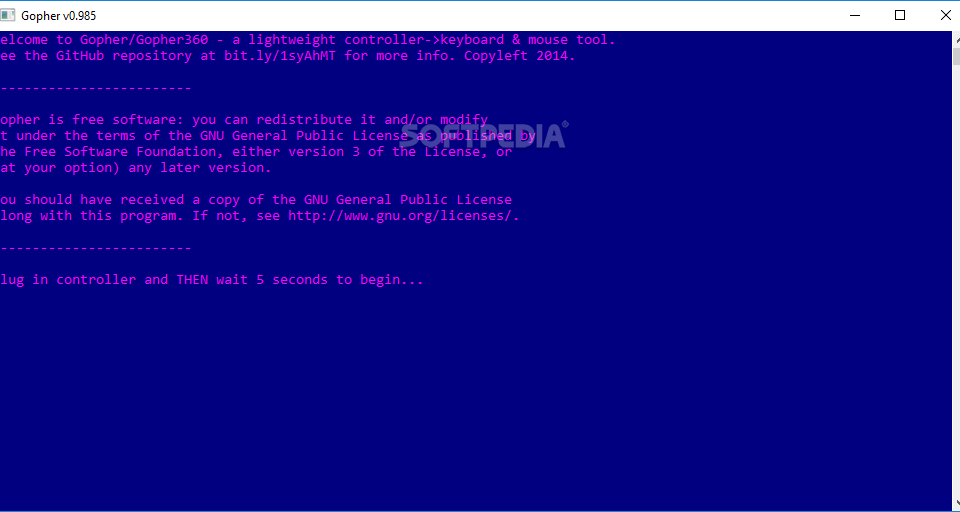
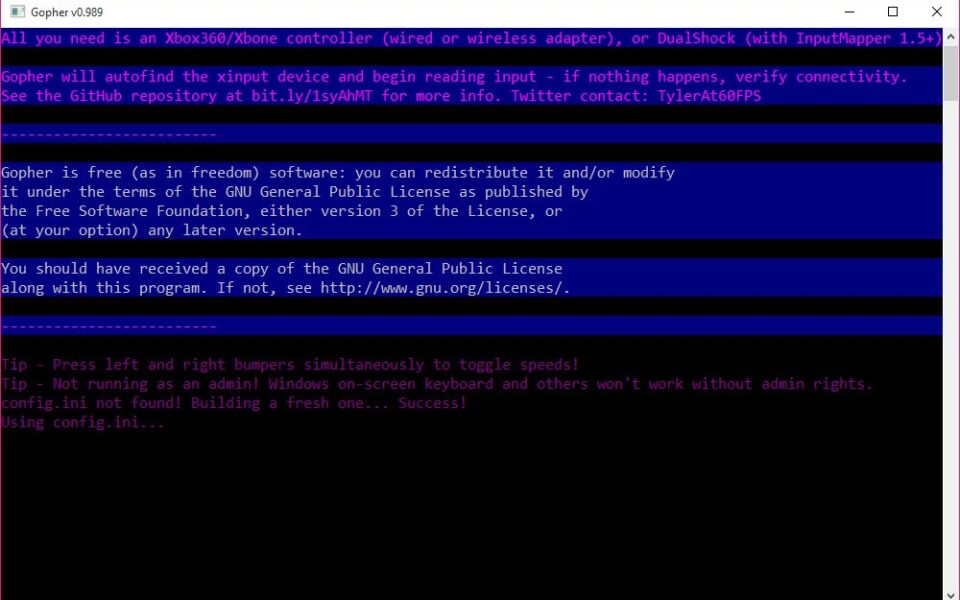
Screenshots
Key Features
- 🖱 Mouse Control – Moves the cursor with the left analog stick smoothly.
- 🎮 Zero Config – Works instantly after download with no setup needed.
- ⌨️ Keyboard Actions – Maps buttons to clicks, arrows, and common keys.
- 🔄 Scroll Support – Uses the right stick to scroll web pages and menus.
- ⚡ 144Hz Update Rate – Delivers fast, responsive cursor movement.
- 🎯 Custom Key Bindings – Edit the config file to remap any button.
- 🕹 Xbox and DualShock – Supports Xbox natively and DualShock with emulation.
- 👻 Hide Terminal – Press a button to hide the small console window.
- 🚀 Startup Ready – Add it to startup for instant controller support.
- 🆓 Free and Open Source – A tiny, portable tool under the GPL license.
How to Install
- Download the Gopher360 ZIP file from the link below.
- Extract the archive to a folder outside the ZIP.
- Run the Gopher360 executable to start it.
- Wait a few seconds for it to initialize.
- Grab your controller and start controlling Windows.
- Also try Nexus Mod App to manage and install mods for your favorite games.
System Requirements
| OS | Windows 7, 8, 10, and 11 |
| CPU | Any Intel or AMD Processor |
| RAM | 512 MB minimum |
| Storage | 5 MB free disk space |
| Runtime | Visual C++ 2015 Runtimes |
| Controller | XInput Xbox or emulated DualShock |
Pros and Cons
Pros
- Completely free and open source
- Zero setup out of the box
- Tiny and fully portable
- Smooth 144Hz cursor movement
- Custom key bindings supported
- Works on all Windows versions
- Great for HTPC and couch use
- Startup folder support
- Controls apps and browsers
- Low system resource use
Cons
- No graphical settings menu
- Config edits need a text file
- DualShock needs extra emulation
- Project is no longer updated
- Console window looks basic
- Needs Visual C++ runtimes
- Not ideal for fast-paced games
- Xbox XInput focused only
- No official installer file
- Some setups need power tweaks
Power Tips
Conclusion
The Gopher360 free download is a clever little tool that turns any controller into a mouse and keyboard on Windows. It brings full couch control to your PC with zero setup, making it perfect for home theater and living room systems. Moreover, its smooth performance and custom key bindings give you real flexibility.
In real-world use, Gopher360 is best suited to HTPC owners and couch gamers who want to skip the keyboard entirely. While the project is no longer actively updated and lacks a settings menu, its simplicity is hard to beat. Therefore, if you want easy controller control, the Gopher360 free download is a must-have for your Windows PC.







Comments (0)