
What is W10Privacy?
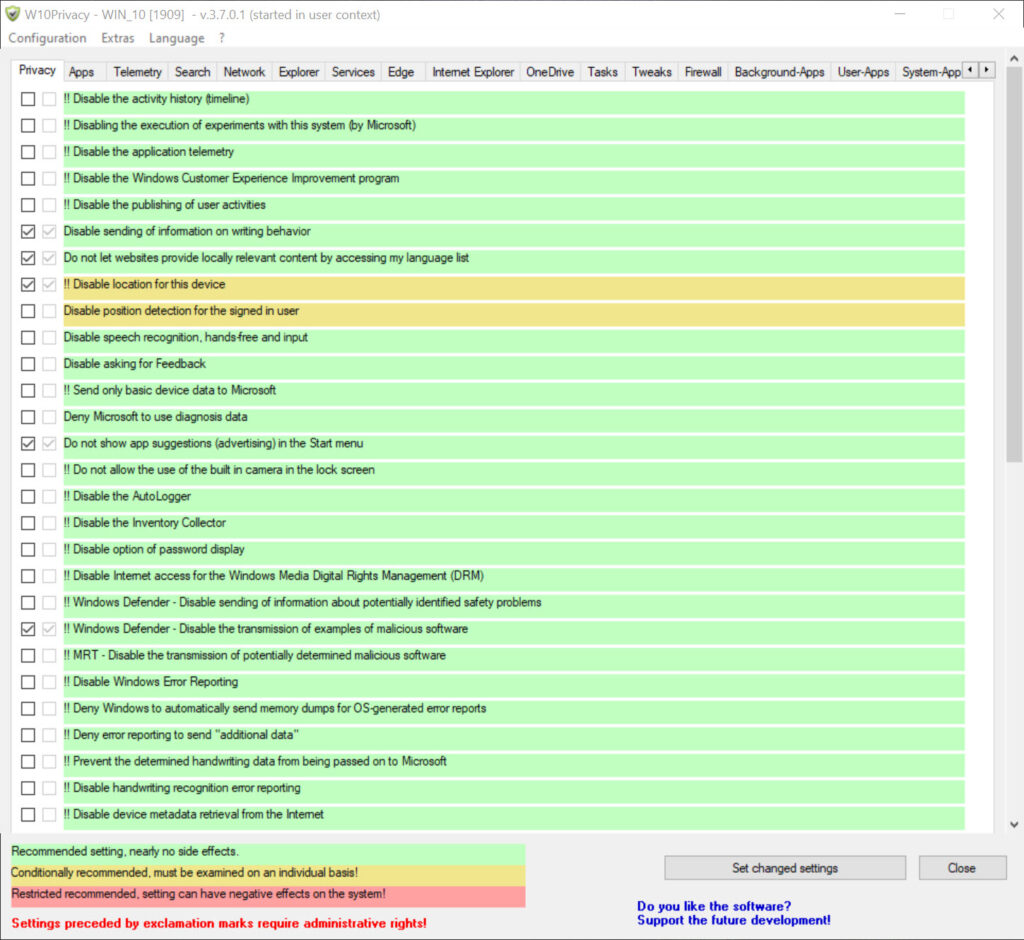
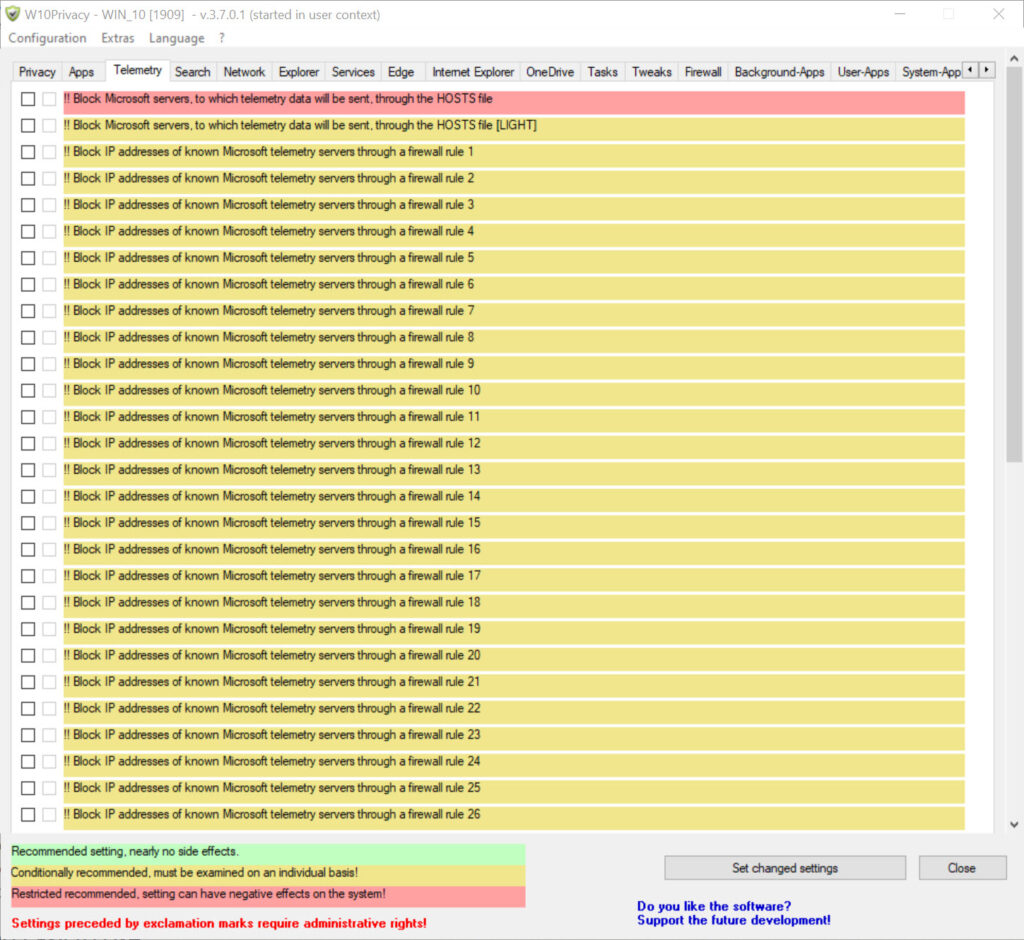
W10Privacy is a powerful utility that lets users take complete control over the often-hidden privacy settings in Windows 10 and 11. With a detailed, categorized interface, this tool empowers users to disable telemetry, tracking services, location access, Cortana data, and unnecessary background apps with just a few clicks. It is especially useful for users who care about personal data security, want to reduce system bloat, and boost performance by disabling unwanted features. You can also download Subtitle Edit Free Download
Whether you're a privacy-conscious user, an IT administrator, or just someone trying to declutter your system, W10Privacy provides a transparent, customizable way to regain control of Windows features that silently collect data in the background. Unlike registry edits or command-line scripts, W10Privacy offers a user-friendly graphical interface with recommendations, color-coded warnings, and a portable design that requires no installation.
Why Use This Software?
- W10Privacy gives you unprecedented control over your PC’s background behavior:
- Protects personal data from silent collection
- Blocks unwanted Windows services and apps
- Improves system performance by disabling resource-heavy features
- Offers manual or one-click preset changes
- No installation needed, completely portable and free
Screenshots
Key Features
- 🛡 Privacy Protection – Disable telemetry, diagnostics, and tracking services
- 🔧 System Tweaks – Adjust Windows Update behavior, background services, app permissions
- 🪪 Disable Microsoft Account Syncing – Prevent automatic syncing of settings to cloud
- 📶 Block WiFi Sense & Location Access – Restrict geolocation, network sharing, and hotspot history
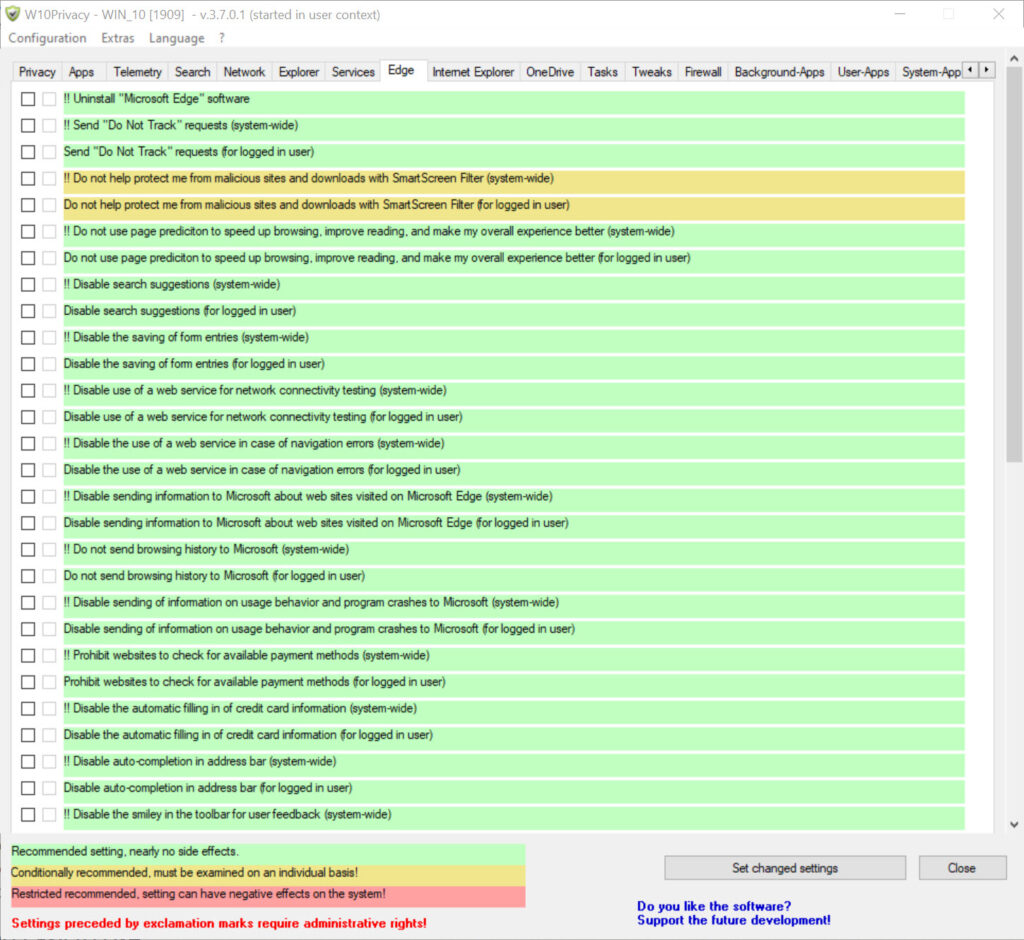
- 🖥 Application Controls – Manage Cortana, Edge, Windows Defender, and Xbox features
- 🧰 Backup & Restore – Create restore points before applying changes
- ⚙ Portable Design – No installation required, runs directly from .exe file
- 🧠 Color-Coded Settings – Green (safe), Yellow (use caution), Red (expert level) indicators
How to Install
- Click the download link below to save the ZIP file.
- Extract the contents and run W10Privacy.exe as Administrator.
- Allow the tool to load system settings.
- Explore and modify privacy settings as per your needs.
- Restart your system for full effect of changes.
- 👉 DownloadNVIDIA Control Panel for Windows – Free
System Requirements
| OS | Windows 10 or Windows 11 |
| Processor | Dual-core CPU or higher |
| RAM | 2 GB minimum |
| Disk Space | 100 MB |
| Permissions | Administrator rights required |
| Additional | .NET Framework 4.5 or higher |







Comments (0)