
BleachBit Free Download for Windows – System Cleaner
What is BleachBit Free Download for Windows – System Cleaner?
The BleachBit free download gives you a fast, open-source system cleaner that frees disk space and protects your privacy on Windows. Moreover, it scans your whole system for junk files, caches, logs, and leftover data, then removes them safely. Because it supports hundreds of apps, it clears clutter from browsers, media players, and office tools in one pass. Therefore, a single cleaning session can recover several gigabytes of space. Built by Andrew Ziem, BleachBit stays completely free with no ads or telemetry.
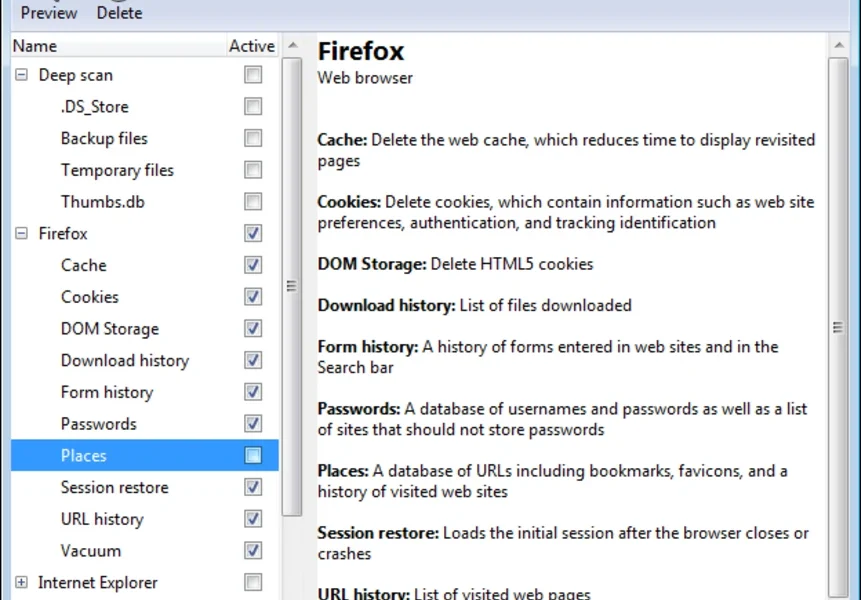
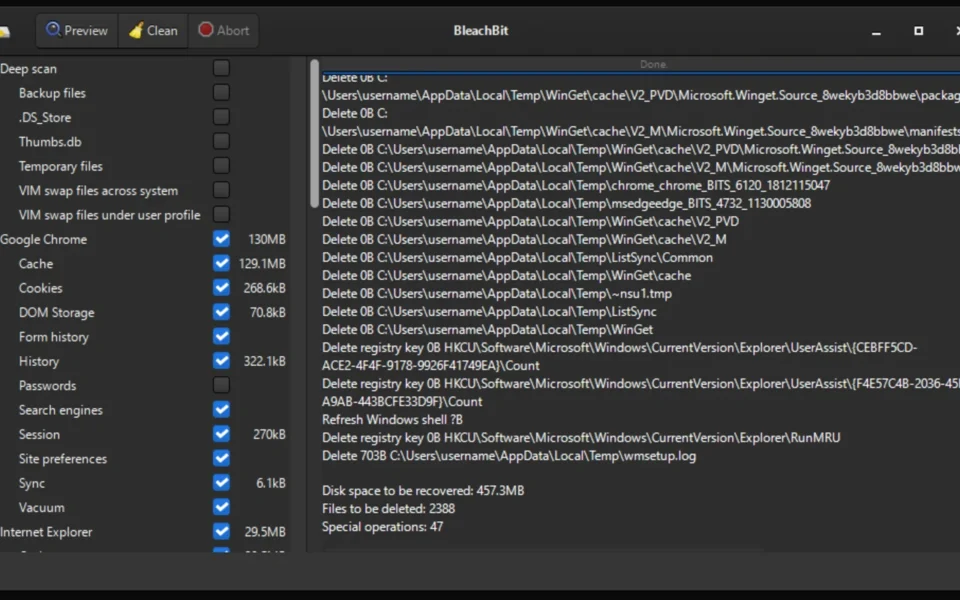
BleachBit works through a simple checklist where you pick what to clean and preview it first. As a result, you stay in full control and never delete anything by accident. In addition, it shreds sensitive files so that forensic tools cannot recover them. For adware and browser cleanup too, check out ZHPCleaner which removes toolbars, hijackers, and unwanted programs.
After testing it on a cluttered laptop, the preview showed nearly 8 GB of cache and temp files ready to clear. Furthermore, the cleanup finished in under a minute with no system slowdown. The BleachBit free download is best suited to anyone who values both disk space and privacy. According to Wikipedia, BleachBit is free software released under the GNU GPL version 3 license.
Why Use This Software?
- The BleachBit free download recovers gigabytes of wasted disk space fast.
- Moreover, the preview feature lets you check files before deleting them.
- In addition, secure shredding keeps your sensitive data truly private.
- Furthermore, it cleans hundreds of apps without extra tools.
- Also, it carries no ads, telemetry, or bundled crapware at all.
- Besides, the portable version runs from a USB stick anywhere.
- Finally, it is free, open source, and trusted by millions worldwide.
Screenshots
Key Features
- 🧹 Deep Junk Cleaning – Removes caches, logs, and temp files across your system.
- 🌐 Browser Cleanup – Clears history, cookies, and cache in Chrome, Firefox, and more.
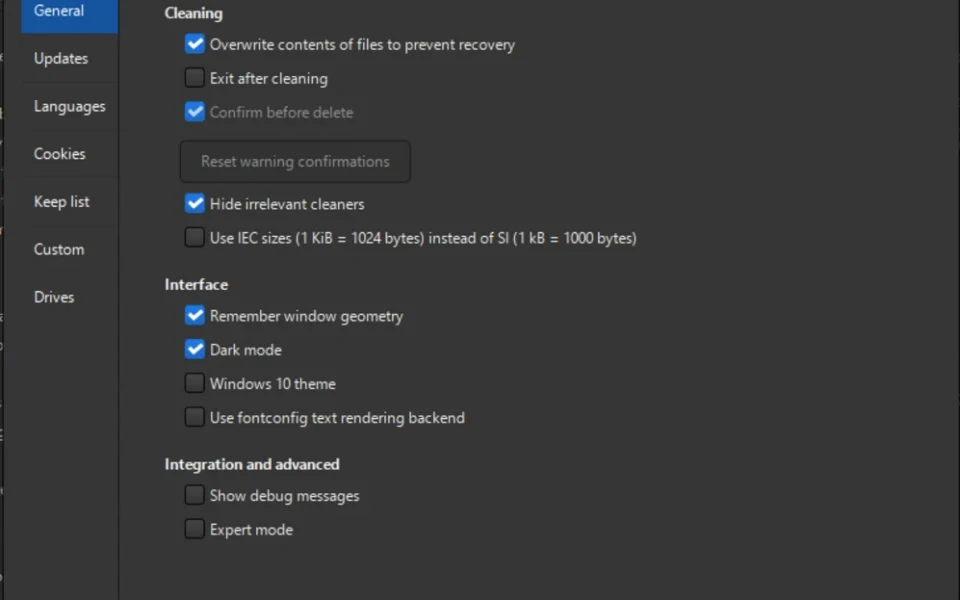
- 🔒 Secure File Shredding – Overwrites files so they cannot be recovered.
- 📦 Hundreds of Cleaners – Includes profiles for many popular applications.
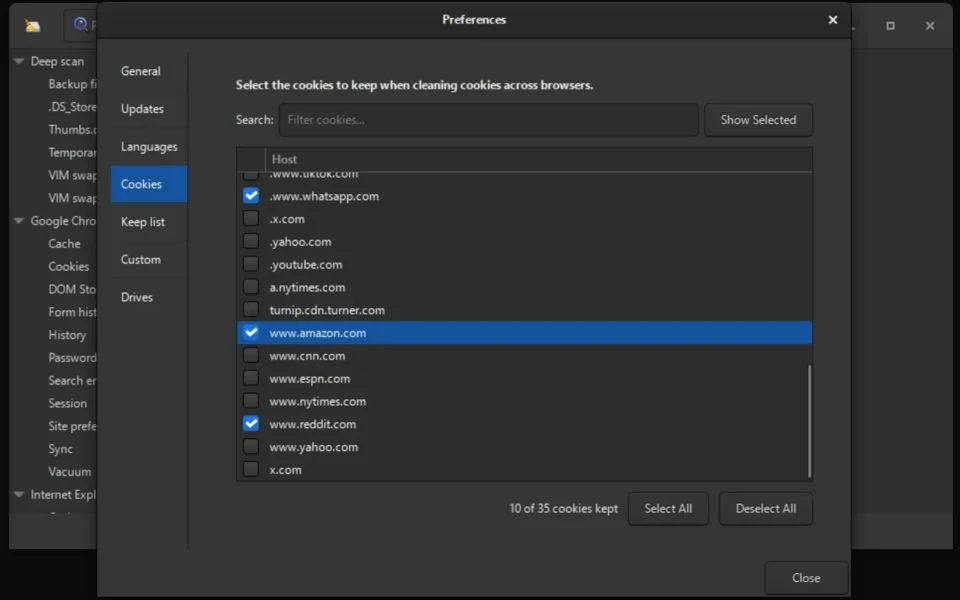
- 🍪 Cookie Manager – Lets you keep the cookies you want and delete the rest.
- 💾 Wipe Free Space – Cleans deleted-file remnants for extra privacy.
- ⌨️ Command-Line Support – Automates cleaning through scripts and schedules.
- 🧩 Custom Cleaners – Add thousands more rules with winapp2.ini support.
- 📦 Portable Mode – Run it from a USB drive with no installation needed.
- 🆓 Free and Open Source – No ads, no telemetry, released under the GPL license.
How to Install
- Download the BleachBit installer from the link below.
- Run the setup file or use the portable version.
- Launch BleachBit and review the cleaner list.
- Check the items you want to clean, then click Preview.
- Review the results and click Delete to clean.
- Also try Easy Gamer Utility to free system resources and boost gaming performance.
System Requirements
| OS | Windows 10 and 11 (32/64-bit) |
| CPU | Any Intel or AMD Processor |
| RAM | 512 MB minimum |
| Storage | 20 MB free disk space |
| Access | Administrator rights recommended |
| Extra | Internet for winapp2.ini cleaners |
Pros and Cons
Pros
- Completely free and open source
- No ads, telemetry, or bloatware
- Recovers gigabytes of space
- Secure file shredding
- Hundreds of app cleaners
- Portable version available
- Cookie manager included
- Command-line automation
- Works on Windows and Linux
- Very low system impact
Cons
- No scheduled cleaning built in
- Interface looks basic
- Some options risk needed files
- Learning curve for advanced use
- Manual review needed each time
- No cloud or optimization tools
- Registry cleaning is limited
- Community-dependent for cleaners
- Not a wizard-driven cleaner
- No real-time protection
Power Tips
Conclusion
The BleachBit free download is one of the best open-source system cleaners you can get for Windows. It clears junk files, frees disk space, and shreds private data through a simple, transparent interface. Moreover, its lack of ads, telemetry, and bloatware makes it a trusted CCleaner alternative for privacy-minded users.
In real-world use, BleachBit is best suited to anyone who wants a clean, fast PC without giving up privacy or paying a cent. While it lacks scheduling and a wizard-style flow, its power and honesty are hard to beat. Therefore, if you want to reclaim space and protect your data, the BleachBit free download is a must-have for your Windows PC.








Comments (0)