
What is Sonarr Free Download for Windows?
The Sonarr Free Download gives you a smart, open-source PVR for managing your TV show collection on Windows. It works with Usenet and BitTorrent to find, download, sort, and rename new episodes automatically. Just tell Sonarr which shows you like, and it grabs each new episode as soon as it becomes available. The tool is completely free and trusted by home media server users worldwide.
Sonarr watches multiple RSS feeds for new episodes of your favorite series. It can also scan your existing library and download any missing episodes. When a better quality version comes out, it can upgrade your file automatically — for example, from DVD to Blu-Ray. For another great media tool, check out VLC Media Player which plays nearly every video format on Windows.
Sonarr runs natively on Windows as a service or system tray app. It works hand-in-hand with download clients like SABnzbd and NZBGet, plus media servers like Kodi and Plex. According to its GitHub page, Sonarr supports all major platforms including Windows, Linux, macOS, and Raspberry Pi.
Why Use This Software?
- The Sonarr Free Download automates your entire TV show download workflow.
- Never miss an episode thanks to the upcoming episode calendar.
- Auto-upgrades your files when better quality becomes available.
- Keeps your library tidy with smart sorting and renaming.
- Blocks failed downloads and retries until one succeeds.
- Integrates smoothly with Plex, Kodi, SABnzbd, and NZBGet.
- Free, open source, and updated regularly by an active community.
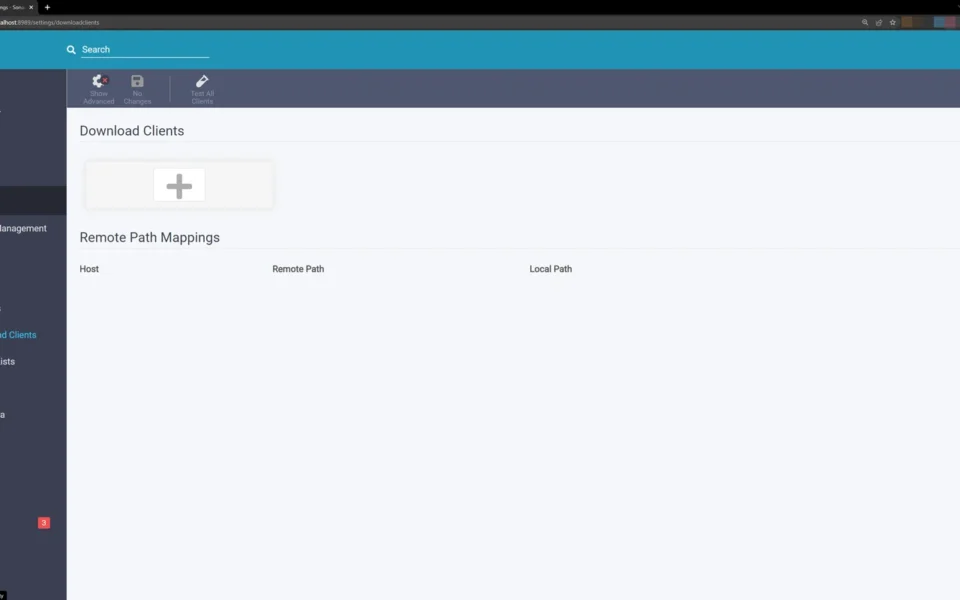
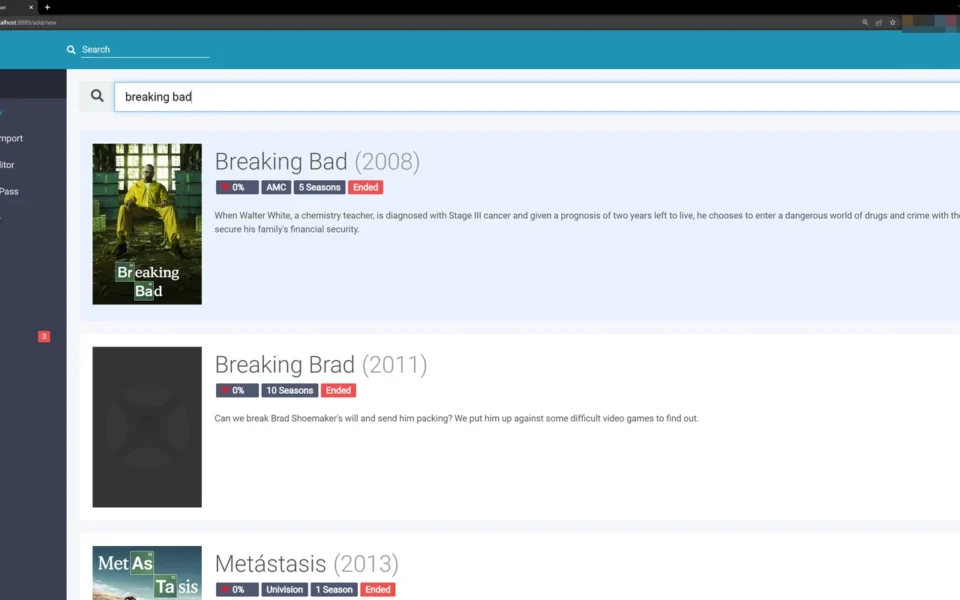
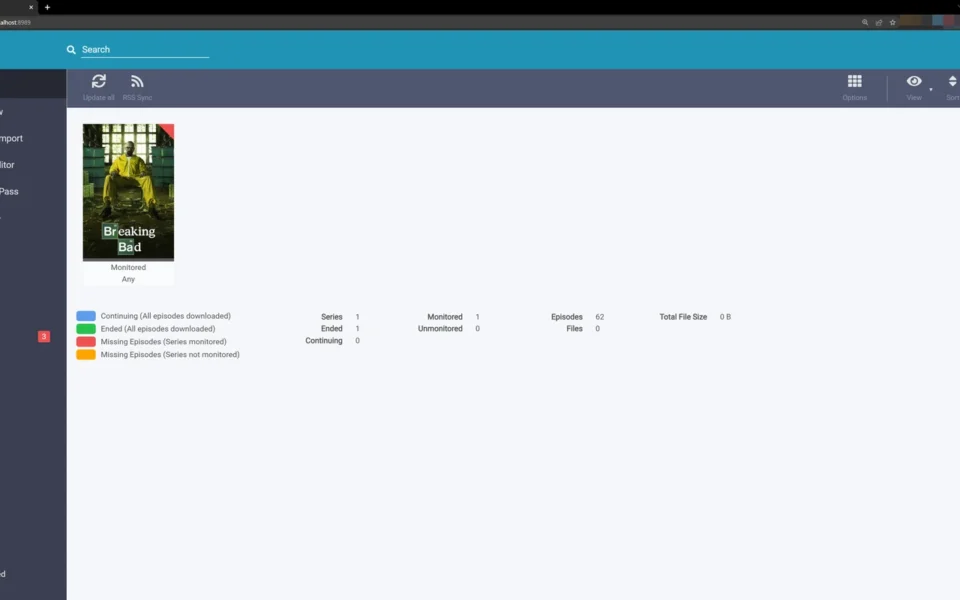
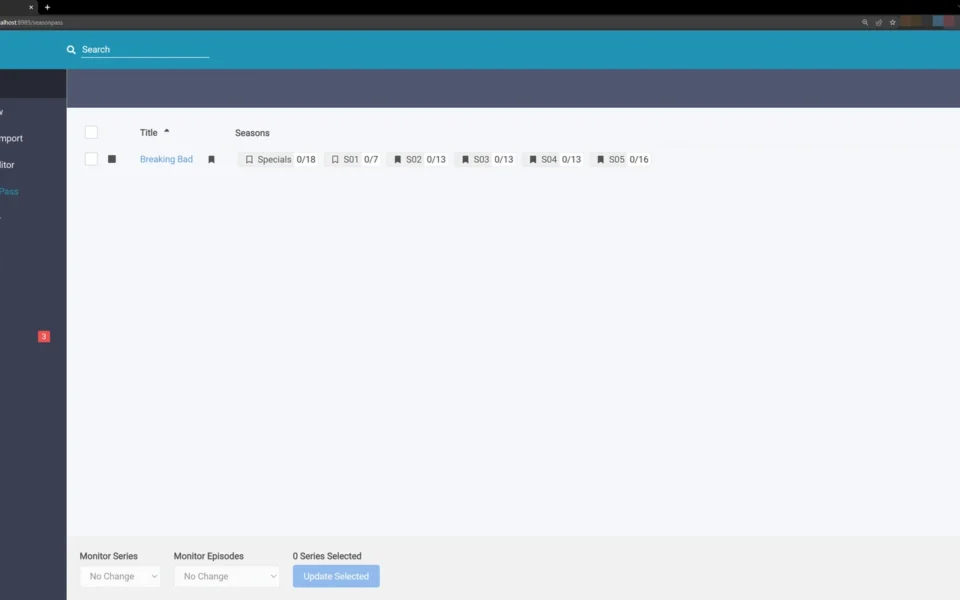
Screenshots
Key Features
- 📺 Automatic Episode Grabbing – Monitors RSS feeds and grabs new episodes the moment they appear.
- 📅 Calendar View – See all your upcoming episodes in one clean, convenient place.
- 🔄 Quality Upgrades – Automatically replaces files with better versions when available.
- 🗂️ Smart Renaming – Sorts and renames episodes into a tidy, organized folder structure.
- 🔍 Manual Search – Pick any release yourself or see why one was not grabbed automatically.
- 🚫 Failed Download Handling – Blocks broken releases and retries until one works.
- 🔔 Notifications – Get custom alerts for download status and other key events.
- 🎚️ Quality Profiles – Set your own rules for resolution, format, and file size.
- 🔌 Plex and Kodi Integration – Updates your media library and metadata automatically.
- 🆓 Free and Open Source – No cost, no ads, with full source code on GitHub.
How to Install
- Download the Sonarr Windows installer from the link below.
- Run the installer and choose service or system tray mode.
- Open your browser and go to http://localhost:8989 to access Sonarr.
- Add your TV series and connect your download client and indexers.
- Set your quality profiles and let Sonarr handle the rest.
- Also Download Steam Library Manager for Windows – Free
System Requirements
| OS | Windows 8.1, 10, 11, Server 2012+ (64-bit) |
| CPU | Intel or AMD Processor |
| RAM | 1 GB minimum |
| Storage | 150 MB free disk space |
| Other | Download client + internet connection |
| File Size | ~90 MB |
Pros and Cons
Pros
- Free and open source
- Fully automates TV show downloads
- Upcoming episode calendar
- Auto quality upgrades
- Smart sorting and renaming
- Works with Plex, Kodi, SABnzbd
- Failed download handling
- Cross-platform support
- Active community and updates
- No ads or hidden costs
Cons
- Initial setup can be tricky
- Needs a separate download client
- Many settings overwhelm beginners
- Windows service cannot access network drives easily
- Requires indexers to find releases
- TV shows only, not movies
- Permissions issues are common
- Web-based UI, not a native app window
- Learning curve for advanced features
- Best results need extra tools like Jackett
Power Tips
Conclusion
The Sonarr Free Download is a must-have tool for anyone serious about managing a TV show collection on Windows. It automates the whole process of finding, downloading, sorting, and renaming episodes so you never have to do it by hand.
In real-world use, Sonarr is best suited to home media server owners who run Plex or Kodi and want a hands-off setup. The initial configuration takes some effort, but once it is running, it needs almost no attention. If you want a smart, free way to keep your TV library complete and organized, the Sonarr Free Download is one of the best options available.







Comments (0)