
qBittorrent Free Download for Windows – Torrent Client
What is qBittorrent Free Download for Windows – Torrent Client?
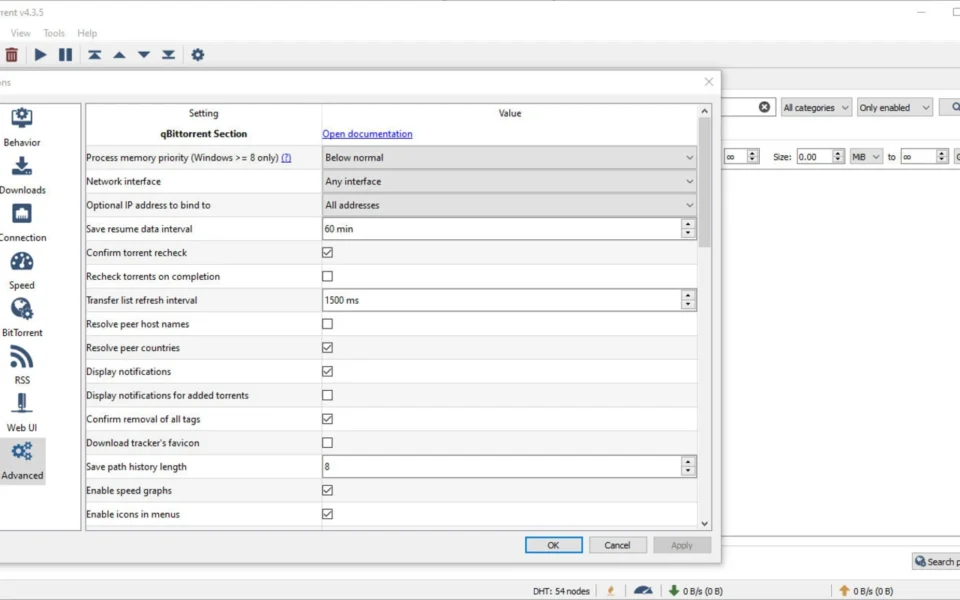
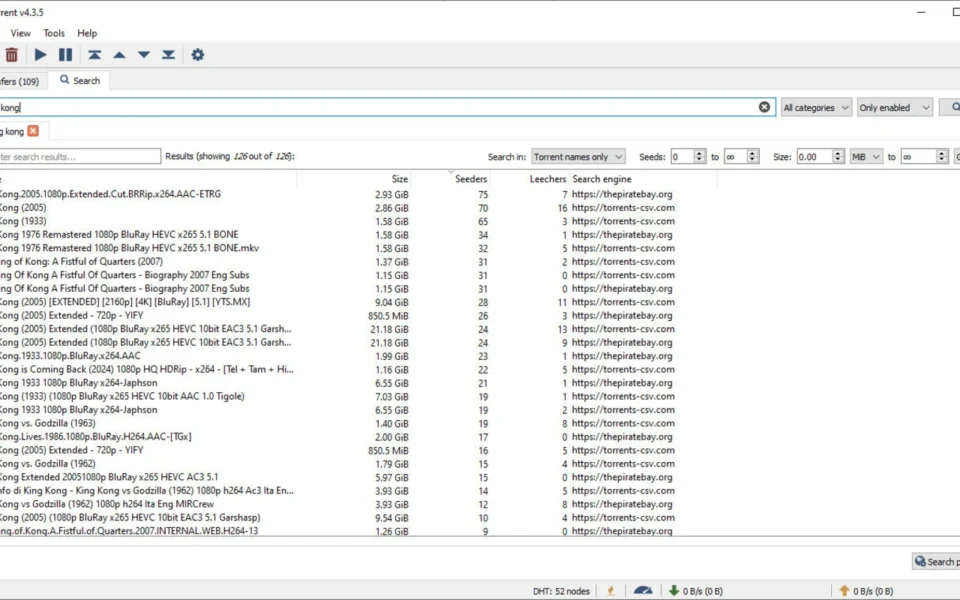
The qBittorrent free download gives you a fast, open-source torrent client with no ads and no hidden fees on Windows. Moreover, it packs a built-in search engine, so you can find torrents without leaving the app. Because it is community-maintained, it stays clean, private, and free of the bloat found in other clients. Therefore, it is the top choice for anyone wanting a µTorrent alternative. Released under the GPL license, qBittorrent has been trusted since 2006 and keeps getting better.
qBittorrent works by connecting you to a swarm of peers sharing the same file and pulling pieces from all of them. As a result, downloads stay fast while the interface remains light and simple. In addition, it supports magnet links, DHT, PeX, encryption, RSS automation, and a remote Web UI. For managing torrents on a remote server or seedbox too, check out Electorrent which controls remote clients from your desktop.
After testing it on a batch of Linux ISOs, the built-in search found sources instantly and downloads maxed out my connection. Furthermore, the whole app used far less memory than other clients. The qBittorrent free download is best suited to anyone who wants clean, powerful torrenting without ads. According to Wikipedia, qBittorrent is a free and open-source BitTorrent client written in C++.
Why Use This Software?
- The qBittorrent free download gives you clean torrenting with no ads.
- Moreover, the built-in search saves you from sketchy torrent sites.
- In addition, being open source means you can trust exactly what it does.
- Furthermore, RSS automation grabs new content without any effort.
- Also, the Web UI lets you control downloads from anywhere.
- Besides, it uses very little memory even with many active torrents.
- Finally, it is completely free and updated by an active community.
Screenshots
Key Features
- 🔍 Built-In Search Engine – Finds torrents from many sites inside the app.
- 🚫 Ad-Free and Clean – No ads, no bundled software, no hidden fees.
- 📡 DHT, PeX, and LSD – Finds peers even without a working tracker.
- 🔒 Encrypted Connections – Protects your transfers with built-in encryption.
- 📰 RSS Automation – Auto-downloads new content from your feeds.
- 🌐 Remote Web UI – Controls downloads from any browser or phone.
- 🛠 Torrent Creator – Builds and shares your own torrent files.
- ▶️ Sequential Download – Streams video as it downloads in order.
- 🗂 Category Organization – Sorts torrents with categories and tags.
- 🆓 Free and Open Source – Fully free under the GPL license.
How to Install
- Download the qBittorrent installer from the link below.
- Run the setup file and follow the prompts.
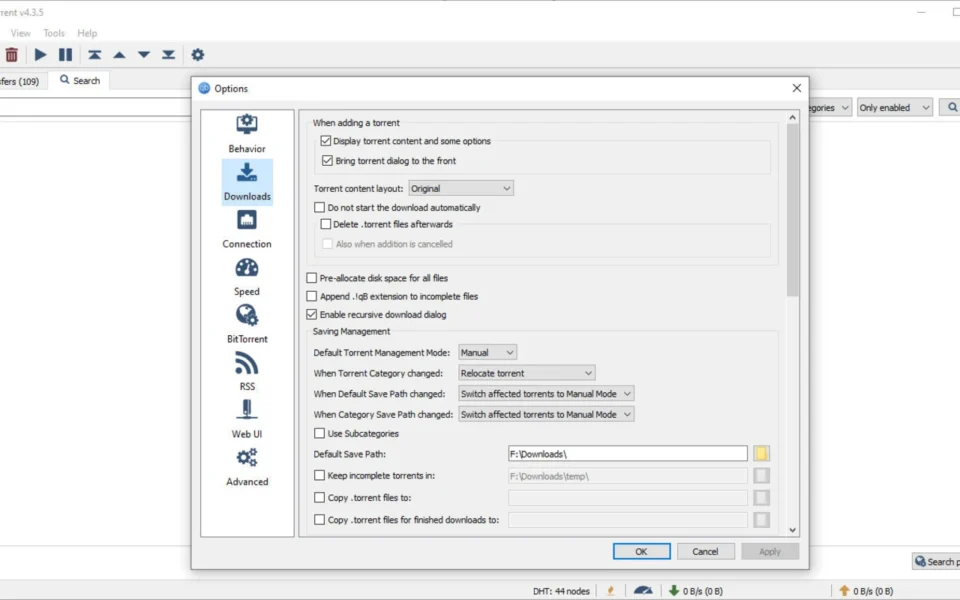
- Launch qBittorrent and set your download folder.
- Enable the search plugins if you want built-in search.
- Open a torrent or magnet link to start.
- Also try VPN Gate Client Plugin to add a privacy layer while you download and share files.
System Requirements
| OS | Windows 10 and 11 (64-bit) |
| CPU | Any Intel or AMD Processor |
| RAM | 512 MB minimum |
| Storage | 100 MB plus space for downloads |
| Internet | Broadband connection recommended |
| File Size | Around 30 MB download |
Pros and Cons
Pros
- Completely free and open source
- No ads or bundled software
- Built-in torrent search engine
- Low memory footprint
- RSS feed automation
- Remote Web UI control
- Encrypted connections
- Sequential streaming download
- Cross-platform support
- Active community updates
Cons
- No official mobile app
- Search needs plugins enabled
- Interface looks plain
- Occasional search engine hiccups
- No built-in media player
- Advanced options can overwhelm
- Manual VPN setup for privacy
- New torrent formats can conflict
- Speed depends on seeders
- No cloud download features
Power Tips
Conclusion
The qBittorrent free download is one of the best open-source torrent clients you can get for Windows. It delivers fast, ad-free downloading with a built-in search engine, RSS automation, encryption, and a remote Web UI. Moreover, its low resource use and clean, trustworthy design make it a favorite µTorrent alternative worldwide.
In real-world use, qBittorrent is best suited to anyone who wants powerful, private torrenting without ads or bloat. While it lacks a mobile app and needs plugins for search, its speed and openness are hard to beat. Therefore, if you torrent often, the qBittorrent free download is a must-have for your Windows PC.








Comments (0)