
BitTorrent Free Download for Windows – Torrent Client
What is BitTorrent Free Download for Windows – Torrent Client?
The BitTorrent free download gives you the original, most trusted peer-to-peer client for downloading and sharing large files on Windows. Moreover, it splits each download into small pieces pulled from many users at once, so transfers stay fast. Because it comes from Rainberry, the makers of the BitTorrent protocol itself, it stays reliable and widely supported. Therefore, it suits anyone moving big files like software, media, or datasets. The free version covers all core torrenting, and it has powered downloads for over a hundred million users.
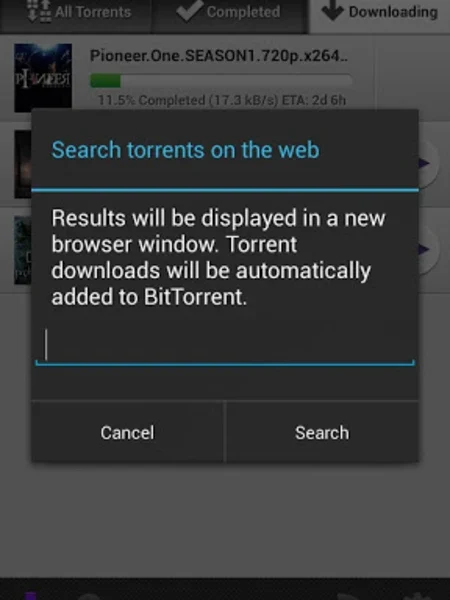
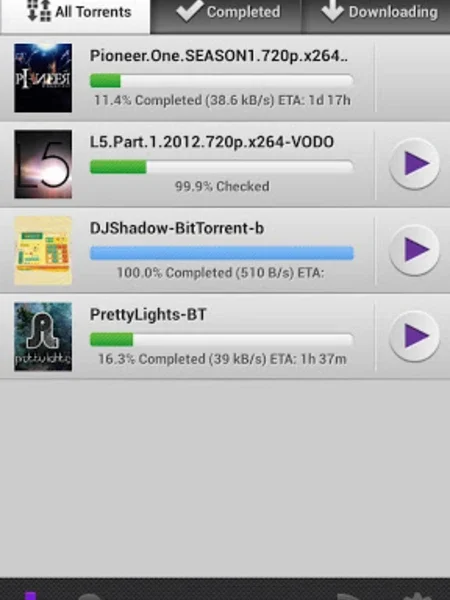
BitTorrent works by connecting you to a swarm of seeds and peers sharing the same file. As a result, you download from many sources together instead of one slow server. In addition, it offers bulk downloading, scheduling, RSS automation, and remote control from your phone. For a modern remote-focused client too, check out Electorrent which manages torrents on remote servers and seedboxes.
After testing it on a large software bundle, dozens of files downloaded at once without slowing my browsing. Furthermore, the scheduler ran heavy downloads overnight while I slept. The BitTorrent free download is best suited to anyone who regularly downloads big files over P2P. According to Wikipedia, BitTorrent is a protocol for peer-to-peer file sharing that distributes data across many users.
Why Use This Software?
- The BitTorrent free download comes from the makers of the protocol itself.
- Moreover, bulk downloading handles many files at the same time.
- In addition, the scheduler runs heavy torrents during off-peak hours.
- Furthermore, RSS automation grabs new content without any effort.
- Also, remote access lets you control downloads from your phone.
- Besides, swarm health checks help you avoid dead torrents.
- Finally, the free version covers all the core torrenting you need.
Screenshots
Key Features
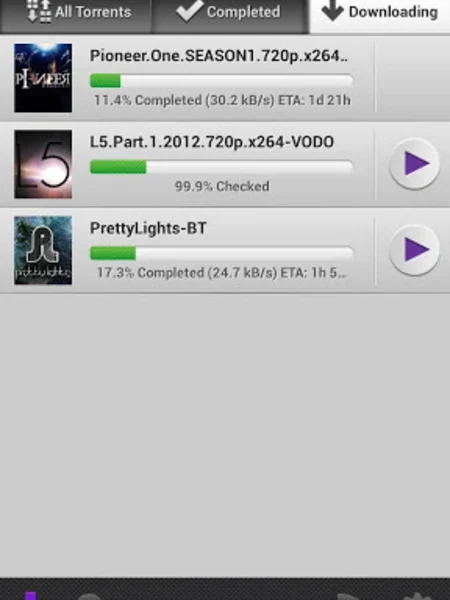
- 📦 Bulk Downloading – Downloads dozens of torrents at the same time.
- ⚡ Fast P2P Transfers – Pulls file pieces from many peers at once.
- 🎚 Bandwidth Control – Sets upload and download speed limits easily.
- ⏰ Download Scheduler – Runs torrents at chosen off-peak hours.
- 📡 RSS Automation – Auto-downloads new content from your feeds.
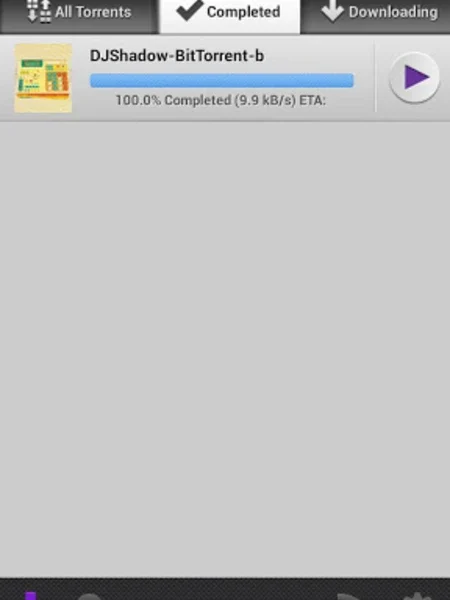
- 📱 Remote Access – Manages downloads from a browser or Android app.
- 🩺 Swarm Health Check – Shows seeds and peers before you start.
- 🎯 File Prioritizing – Picks which files finish first inside a torrent.
- 🌐 DHT and Trackerless – Finds peers even without a tracker.
- 🆓 Free Version – Full core torrenting free, with optional Pro tiers.
How to Install
- Download the BitTorrent installer from the link below.
- Run the setup file and follow the prompts.
- Choose the free version during installation.
- Launch BitTorrent and set your download folder.
- Open a torrent or magnet link to start.
- Also try VPN Gate Client Plugin to add a privacy layer while you download and share files.
System Requirements
| OS | Windows 7, 8, 10, and 11 |
| CPU | Any Intel or AMD Processor |
| RAM | 512 MB minimum |
| Storage | 20 MB plus space for downloads |
| Internet | Broadband connection recommended |
| File Size | Around 5 MB download |
Pros and Cons
Pros
- Free core torrenting
- From the original protocol makers
- Fast bulk downloading
- Download scheduling
- RSS feed automation
- Remote control support
- Swarm health checks
- File prioritizing
- DHT and trackerless support
- Trusted by millions
Cons
- Free version shows ads
- Extra tiers need payment
- Installer may offer extras
- No built-in torrent search
- Not open source
- Interface feels a bit dated
- Windows-focused desktop app
- macOS Classic discontinued
- Ads unless you upgrade
- Safety depends on your torrents
Power Tips
Conclusion
The BitTorrent free download is the original and one of the most trusted torrent clients you can get for Windows. It delivers fast peer-to-peer downloads with powerful tools like bulk downloading, scheduling, RSS automation, and remote access. Moreover, coming straight from the makers of the BitTorrent protocol, it stays reliable and widely supported.
In real-world use, BitTorrent is best suited to anyone who regularly downloads large files and wants full control over their torrents. While the free version shows ads and locks some extras behind Pro, its power and reliability are hard to beat. Therefore, if you torrent often, the BitTorrent free download is a solid choice for your Windows PC.







Comments (0)