
What is Psiphon?
Psiphon is a free, open-source internet censorship circumvention tool that helps users access blocked websites and apps. Built on a combination of secure communication technologies such as VPN, SSH, and HTTP Proxy, Psiphon provides unrestricted internet access even in heavily censored regions. Whether you're dealing with firewalls at work, school, or under government restrictions, Psiphon offers a reliable and encrypted solution to restore full web access.
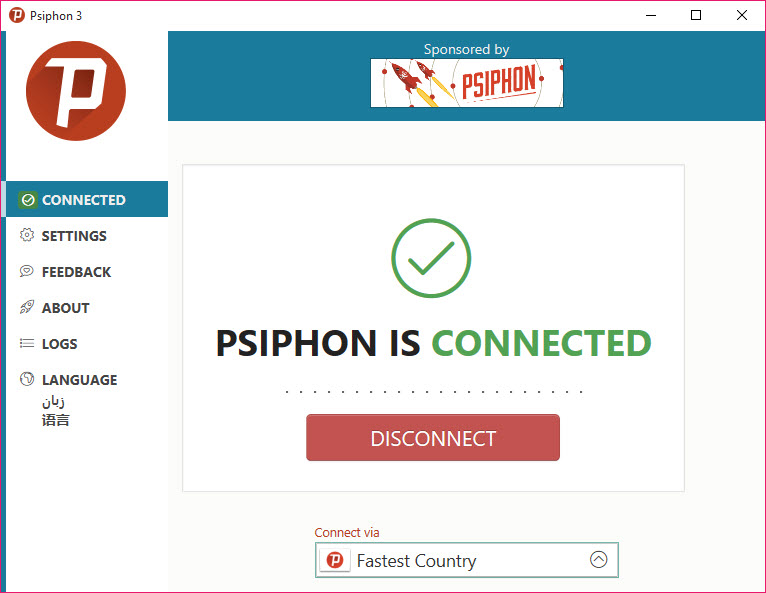
Psiphon is designed for simplicity — there's no need for configuration or technical knowledge. It automatically connects to the fastest available server and keeps your browsing private. This makes it ideal for journalists, researchers, students, and everyday users who want secure, anonymous, and uninterrupted access to the open internet.
Why Use This Software?
- Psiphon is trusted globally by millions who need secure and censorship-free access:
- No installation required – portable and ready to use
- Compatible with nearly all websites and services
- Uses multiple protocols for reliable connection
- Maintains privacy by encrypting your browsing
- Entirely free and open-source with regular updates
Screenshots
Key Features
- 🌍 Access Blocked Websites – Bypass content filters, firewalls, and censorship
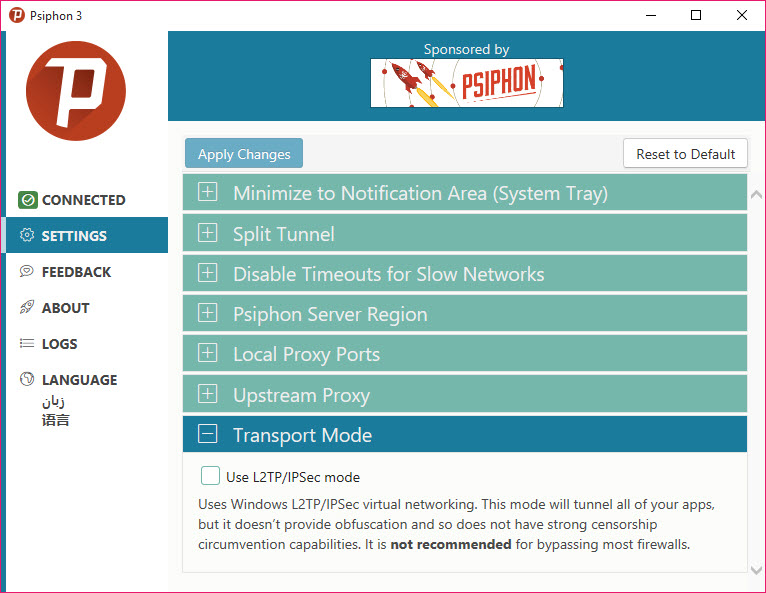
- 🔒 Secure Connection – Uses VPN, SSH, and HTTP Proxy protocols
- 🔁 Auto Tunneling – Automatically selects the fastest protocol and server
- 🚀 Lightweight & Fast – Optimized for low-resource systems
- 📊 Traffic Monitoring – Built-in analytics to monitor data usage
- 🕵️ Privacy Protection – Encrypts internet traffic for safer browsing
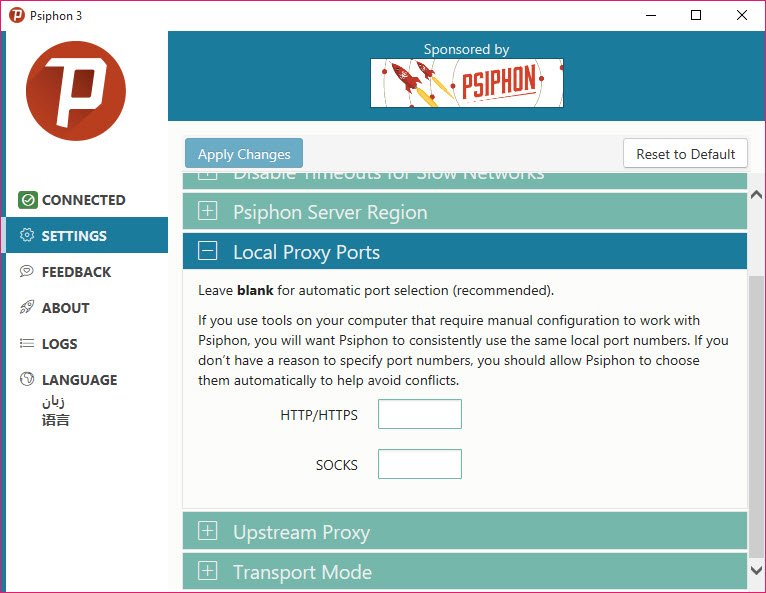
- 🌐 No Configuration Needed – One-click connection, no setup required
- 🖥 User-Friendly Interface – Simple and clean UI, great for beginners
How to Install
- Click the download link below to get the latest version of Psiphon.
- Double-click the .exe file to launch Psiphon (no installation needed).
- Psiphon will automatically connect and display your secure connection status.
- Start browsing safely and freely.
- 👉 Download VPNSecure for Windows – Free
System Requirements
| OS | Windows 7, 8, 10, 11 (32/64-bit) |
| Processor | 1 GHz or faster |
| RAM | 512 MB minimum |
| Storage | Less than 50 MB |
| Internet | Required for connection |








Comments (0)