
What is PrivaZer Free Download for Windows?
The PrivaZer free download gives you a powerful, free PC cleaner and privacy tool for Windows. It deeply cleans your computer and removes hidden traces of your past activity. Unlike basic cleaners, PrivaZer hunts down leftover data in free space, file tables, and indexing services. This means deleted files cannot be recovered by anyone later. It is one of the best free alternatives to CCleaner available today.
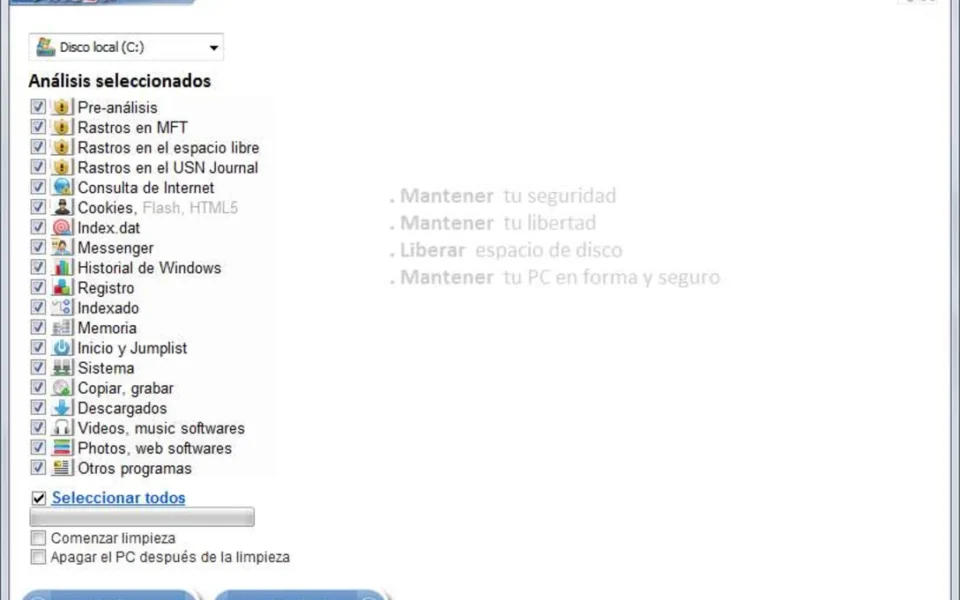
PrivaZer free download for Windows works by scanning every corner of your PC for junk and sensitive traces. It removes browsing history, cookies, temporary files, registry entries, and program usage data. Its smart engine detects whether your drive is an HDD or SSD and adjusts its cleaning method to suit. For another handy system tool, check out System Information Viewer which shows detailed hardware info on your PC.
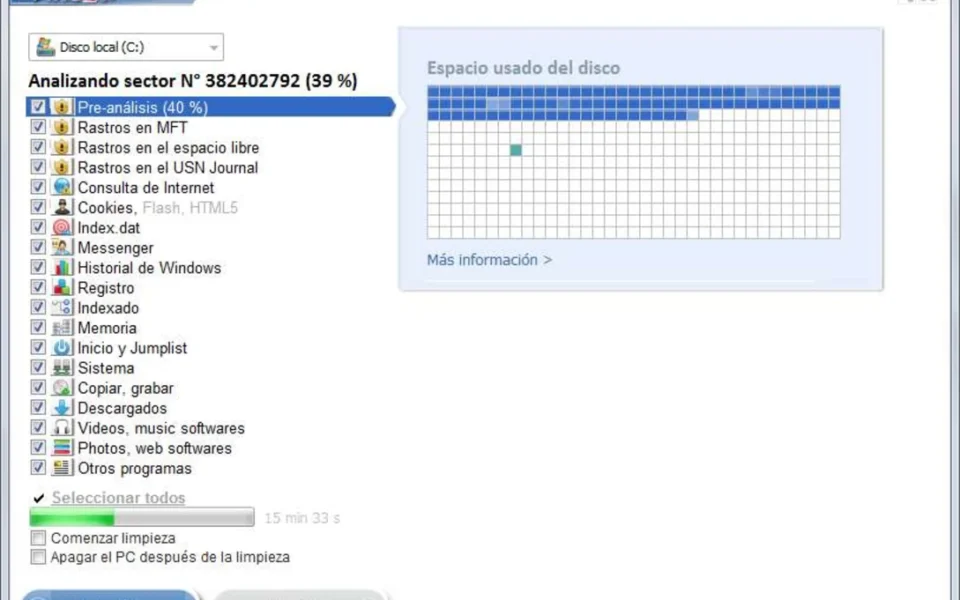
After testing it on an older laptop, the visual map of leftover traces in free space really stood out — it showed exactly what other cleaners had missed. PrivaZer is best suited to anyone selling, donating, or sharing a PC, as well as users who care about real privacy. According to TheWindowsClub, PrivaZer can overwrite deleted data with 1 pass or up to 35 passes for total security.
Why Use This Software?
- The PrivaZer free download removes traces that other cleaners simply ignore.
- Securely overwrites deleted data so recovery tools cannot bring it back.
- Frees up disk space by clearing junk and residual files.
- Perfect before selling, donating, or handing down a PC.
- Smart SSD and HDD detection keeps your drive safe and healthy.
- Schedule cleanups so your PC stays clean automatically.
- Free to use with an optional Pro version for extra control.
Screenshots
Key Features
- 🧹 Deep System Cleaning – Removes junk, history, cookies, and traces from every corner of your PC.
- 🔒 Secure Overwrite – Overwrites deleted data 1 to 35 times so it cannot be recovered.
- 👁️ Free Space Visualization – Shows residual traces of old files left in your free space.
- 💾 Smart SSD Detection – Detects HDD or SSD and adjusts the cleaning method automatically.
- ⚡ Fast Free Space Cleanup – Skips areas already reset to zero for 2x to 100x faster cleaning.
- 🗑️ Delete Without Trace – Permanently erase any file or folder you choose with no recovery.
- 📅 Scheduled Cleanups – Set automatic cleanups to run on a schedule you decide.
- 🌐 Internet Trace Removal – Clears cookies, web cache, thumbnails, and browsing history.
- 📦 Portable Version – Run PrivaZer from a USB drive with no installation needed.
- 🆓 Free to Use – Full secure cleaning at no cost, with an optional Pro upgrade.
How to Install
- Download the PrivaZer installer or portable version from the link below.
- Run the setup file, or extract the portable version to any folder.
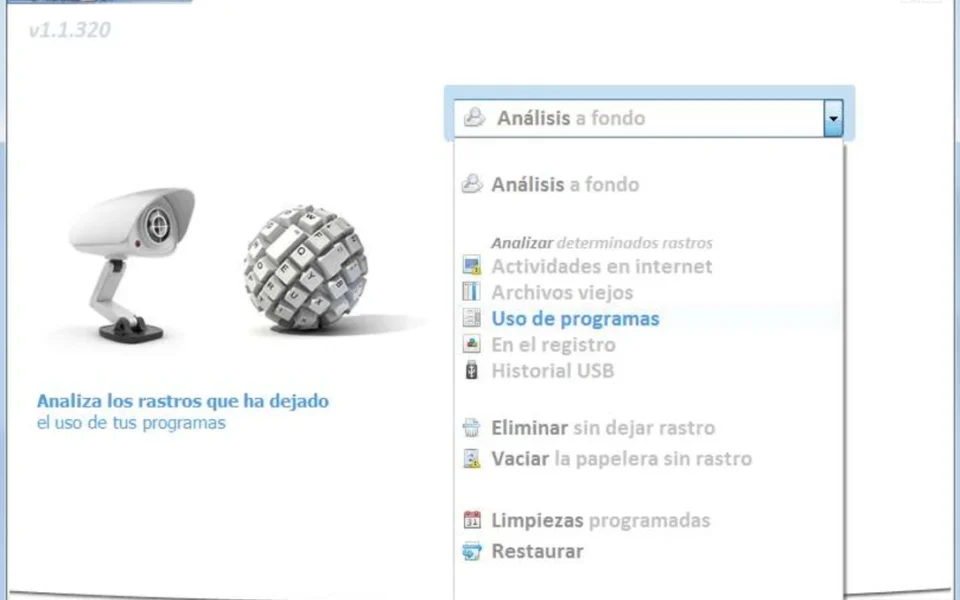
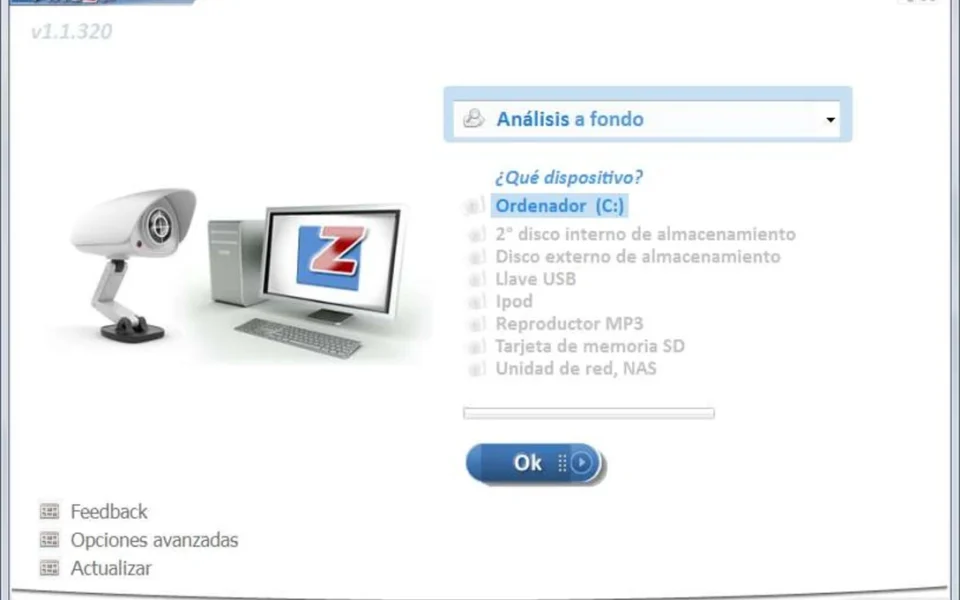
- Launch PrivaZer and pick your scan type and target drive.
- Choose what to scan — full in-depth scan or specific traces.
- Click Analyze, review the results, then clean securely.
- Also Download NTLite for Windows – Free
System Requirements
| OS | Windows XP, Vista, 7, 8, 8.1, 10, 11 (32/64-bit) |
| CPU | Intel or AMD Processor |
| RAM | 512 MB minimum |
| Storage | 50 MB free disk space |
| Drive | Works on HDD, optimized for SSD |
| File Size | ~10 MB |
Pros and Cons
Pros
- Free and deep PC cleaning
- Secure overwrite up to 35 passes
- Cleans residual traces in free space
- Smart HDD and SSD detection
- Visual map of leftover data
- Scheduled and automatic cleanups
- Portable version available
- Strong CCleaner alternative
- Works on Windows XP through 11
- No recovery possible after secure wipe
Cons
- Deep scans can be slow on large drives
- Interface looks a bit dated
- Many options can confuse beginners
- Advanced mode needs some learning
- Some Pro features need a license
- No Mac or Linux version
- Donation prompts during use
- Overkill for very casual users
- Multi-pass wipes take extra time
- Backup recommended before deep cleans
Power Tips
Conclusion
The PrivaZer free download is one of the best free privacy cleaners available for Windows. It goes far beyond basic cleanup by hunting down hidden traces in free space and overwriting them so they can never be recovered. From junk removal to secure deletion, it keeps your PC clean, fast, and private.
In real-world use, PrivaZer is best suited to anyone preparing a PC for resale, sharing a family computer, or simply wanting real privacy. It is thorough, smart about SSDs, and completely free for secure cleaning. If you want a powerful CCleaner alternative that truly protects your data, the PrivaZer free download is a must-have for your Windows PC.






Comments (0)