
Electrum Bitcoin Wallet – Fast and Secure for Windows
Electrum 4.7.2 is a lightweight Bitcoin wallet built for speed, security, and simplicity. It is one of the oldest and most trusted Bitcoin wallets available, first released in 2011 by developer Thomas Voegtlin. Unlike heavy clients, Electrum does not download the full blockchain. Instead, it connects to remote servers to verify transactions quickly. This makes the Electrum Bitcoin wallet a great choice for users who want full control without waiting hours for sync.
Whether you are a beginner or an advanced user, Electrum gives you all the tools you need. You can send and receive Bitcoin, set custom fees, and back up your wallet using a simple seed phrase. For those managing network security tools alongside crypto, RogueKiller is another free Windows tool worth checking out.
Version 4.7.2 includes important fixes. It sets a restrictive unix umask by default for better security and resolves a bug with old unpaid Lightning Network payment requests. These small but meaningful updates improve the wallet’s reliability and safety. According to Wikipedia, Electrum has been one of the most widely used Bitcoin wallets since its launch.
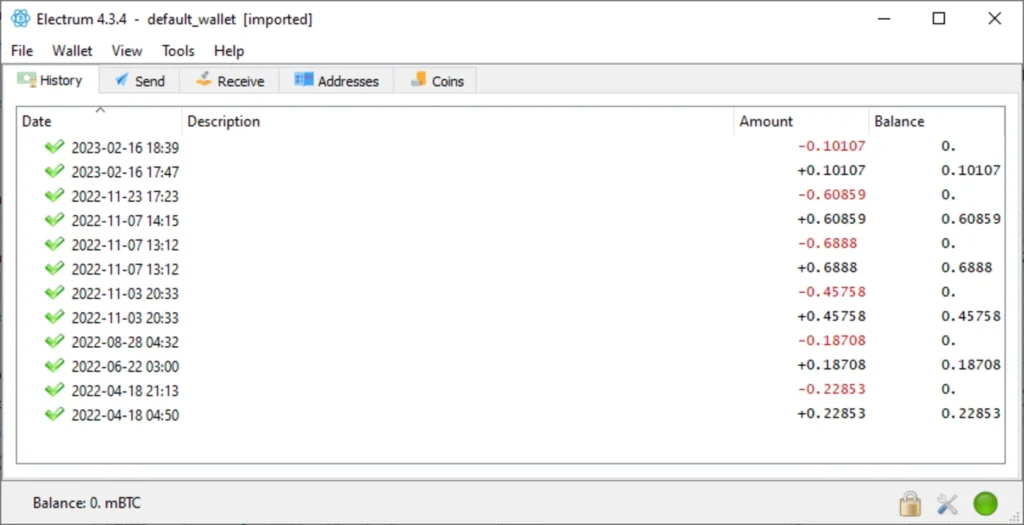
Electrum 4.7.2 Features and Highlights
- 🔒 Cold Storage Support – Keep your private keys offline with a watch-only wallet for maximum security.
- 🔑 Seed Phrase Backup – Recover your wallet anytime using a 12-word seed phrase. No account needed.
- ✍️ Multi-Signature Wallets – Require multiple approvals to spend Bitcoin, ideal for teams or extra security.
- ⚡ Lightning Network – Send and receive instant Bitcoin payments with low fees using built-in LN support.
- 🔌 Hardware Wallet Integration – Works with Ledger and Trezor for secure offline key storage.
- 💸 Custom Transaction Fees – Set your own fees based on how fast you need the transaction confirmed.
- 🛡️ Two-Factor Authentication – Add TrustedCoin 2FA for an extra layer of account protection.
- 📂 Local Storage Only – All private keys stay on your device. Nothing is stored on external servers.
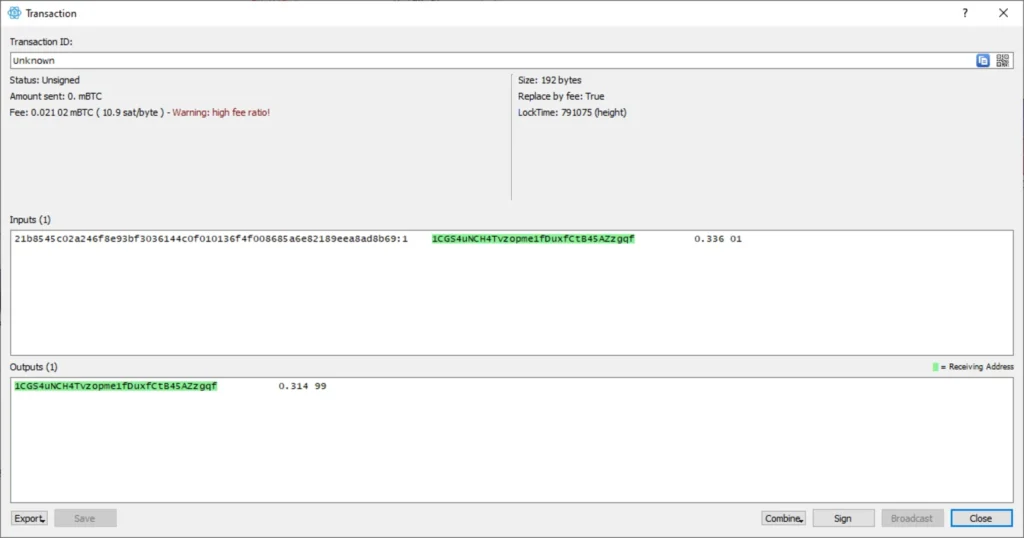
- 🔄 Replace-by-Fee (RBF) – Bump the fee on a stuck transaction to speed up confirmation.
- 🪶 Lightweight Design – No full blockchain download needed. Starts fast and uses minimal resources.
How to Install Electrum Bitcoin Wallet
- Download the Electrum 4.7.2 installer file from the link below.
- Run the
electrum-4.7.2-setup.exefile and follow the setup wizard. - Launch Electrum and choose to create a new wallet or restore an existing one.
- Write down your 12-word seed phrase and store it somewhere safe offline.
- Set a strong password and start using your Bitcoin wallet.
Also Download System Information Viewer for Windows – Free
Why Use Electrum Bitcoin Wallet?
- One of the most trusted Bitcoin wallets since 2011.
- Does not require downloading the full Bitcoin blockchain.
- Full control over your private keys — no third party involved.
- Works with Ledger and Trezor hardware wallets.
- Supports multisig for shared or high-security wallets.
- Open source and regularly updated by the community.
- Lightning Network support for fast, low-cost payments.
Electrum System Requirements
| Component | Requirement |
|---|---|
| OS | Windows 7, 8, 10, 11 (32/64-bit) |
| CPU | Intel or AMD Processor |
| RAM | 512 MB minimum |
| Storage | 50 MB free disk space |
| Internet | Required for transactions |
| File Size | ~30 MB |
Power Tips for Electrum Users
- Always write your seed phrase on paper — never store it on a phone or computer.
- Use a hardware wallet like Ledger with Electrum for large Bitcoin amounts.
- Enable RBF on every transaction so you can speed it up if it gets stuck.
- Use a watch-only wallet on your main PC and sign transactions on an offline device.
Electrum Pros and Cons
| ✅ Pros | ❌ Cons |
|---|---|
| Lightweight — no full blockchain download required | Bitcoin only — no support for other cryptocurrencies |
| Full control over private keys — non-custodial | Interface can feel complex for first-time users |
| Hardware wallet support — works with Ledger and Trezor | No official iOS app available |
| Open source — code is public and community verified | Some antivirus tools may flag it as a false positive |
| Lightning Network built in for instant payments | No built-in exchange or buy/sell feature |
| Multisig support for high-security transactions | Requires users to manage their own seed phrase backup |
| Two-factor authentication via TrustedCoin | 2FA depends on a third-party service |
| Replace-by-Fee for stuck transactions | Can be confusing for users new to Bitcoin fees |
| Local key storage — nothing on external servers | No multi-device sync or cloud backup option |
| Active development since 2011 with regular updates | Support is community-based only — no official help desk |
Conclusion
Electrum 4.7.2 remains one of the best free Bitcoin wallets for Windows users. It is fast, secure, and gives you full control over your funds. The Electrum Bitcoin wallet is ideal for anyone who takes Bitcoin security seriously — from everyday users to advanced traders.
If you want a wallet that is simple to set up, easy to back up, and compatible with top hardware wallets, Electrum is hard to beat. Version 4.7.2 brings security improvements and bug fixes that make it even more reliable for daily use.