What is X Minecraft Launcher Free Download for Windows?
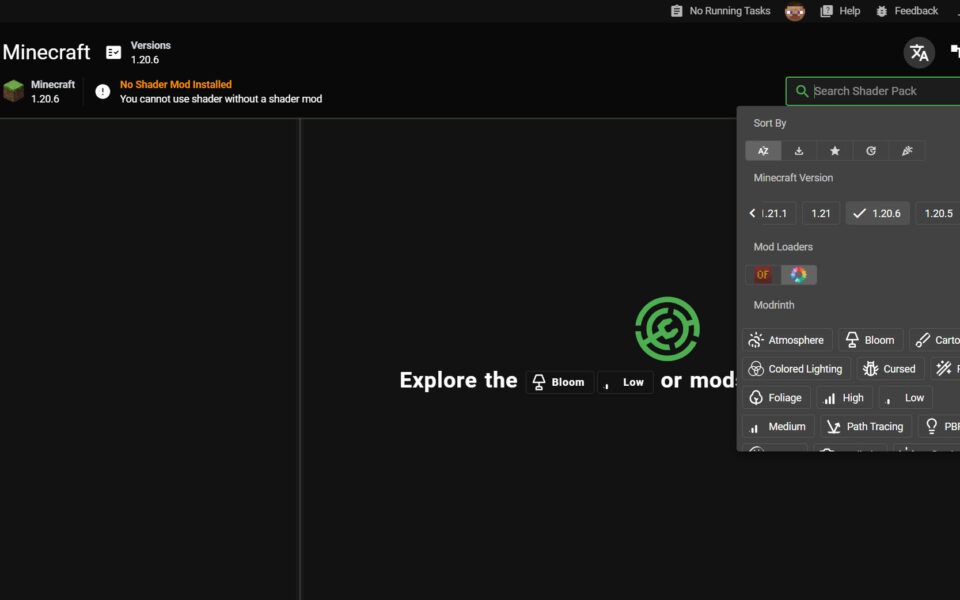
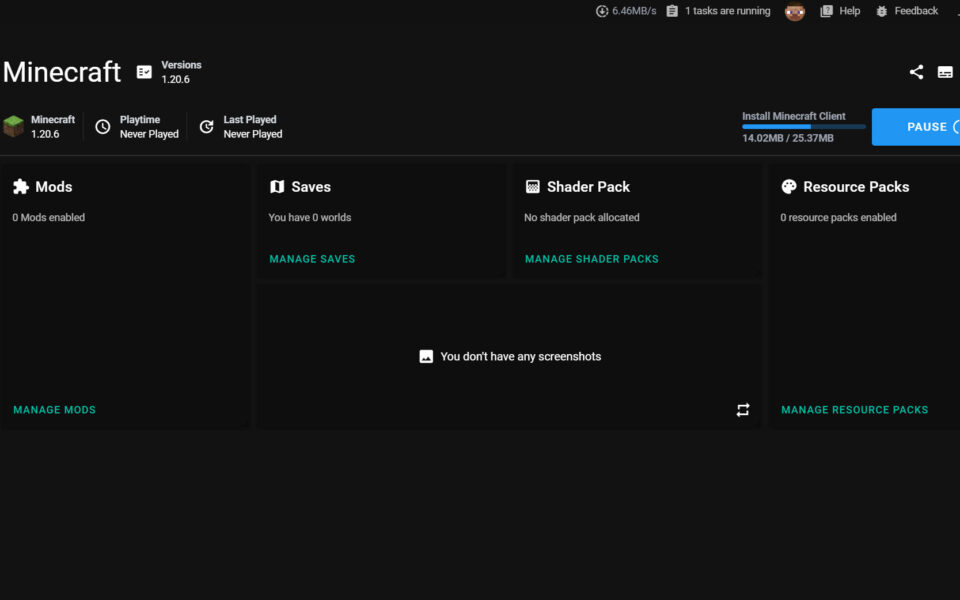
The X Minecraft Launcher free download gives you a modern, open-source launcher to manage your whole Minecraft setup on Windows. Often called XMCL, it lets you handle mods, modpacks, resource packs, and shader packs all in one place. It works with Minecraft Forge, Fabric, Quilt, OptiFine, CurseForge, and Modrinth. The launcher is completely free and built with a clean, easy interface.
XMCL stands out for its smart disk handling. Instead of copying mods into every instance, it uses hard links to share them. This means you never end up with duplicate files eating your disk space. You can also create multiple instances, each with its own version, mods, and settings. For another handy gaming tool, check out Steam Library Manager which helps you organize Steam games on Windows.
After testing it with a few modpacks, the built-in CurseForge and Modrinth browser made adding mods feel quick and simple — no external sites needed. XMCL is best suited to players who run modded Minecraft and want a tidy, disk-friendly setup. According to its GitHub page, XMCL is open source under the MIT license and runs on Windows, macOS, and Linux.
Why Use This Software?
- The X Minecraft Launcher free download keeps all your Minecraft resources in one place.
- Save disk space with smart hard-link sharing of mods between instances.
- Download mods and modpacks straight from CurseForge and Modrinth.
- Run many instances with different versions and mod setups side by side.
- Install Forge, Fabric, Quilt, and OptiFine without leaving the app.
- Modern packaging means no SmartScreen warnings on Windows.
- Free, open source, and updated often by an active community.
Screenshots
Key Features
- 🧩 Full Mod Loader Support – Install Forge, Fabric, Quilt, and OptiFine all in one place.
- 📦 CurseForge and Modrinth – Download mods, modpacks, and shaders right inside the launcher.
- 🗂️ Multi-Instance System – Create separate instances with their own versions, mods, and settings.
- 💾 Disk-Efficient Storage – Uses hard links so mods are never duplicated across instances.
- ⚡ Fast Downloads – Downloads files in parts at once and reuses connections for speed.
- 🌐 Mirror Support – Download from official or third-party mirrors like the BMCL API.
- 🔑 Multiple Account Systems – Supports Microsoft login, ely.by, littleskin, and custom servers.
- 🤝 Peer-to-Peer LAN Play – Play multiplayer with friends even when not on the same network.
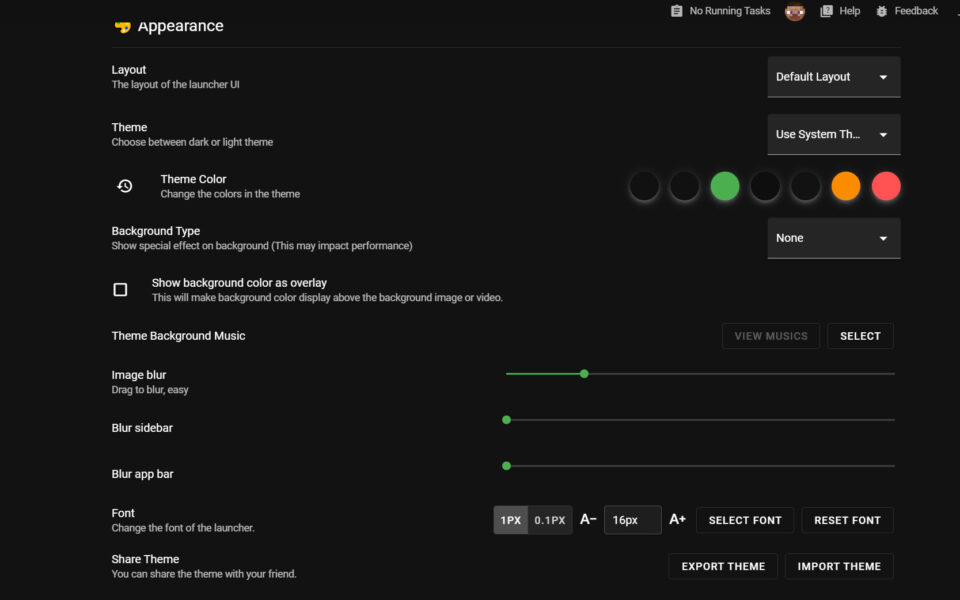
- 🎨 Modern Custom UI – Change themes, colors, backgrounds, and fonts to suit your taste.
- 🆓 Free and Open Source – No cost, no ads, with full source code on GitHub.
How to Install
- Download the X Minecraft Launcher appinstaller, appx, or portable ZIP from the link below.
- Run the installer, or extract the portable version to any folder.
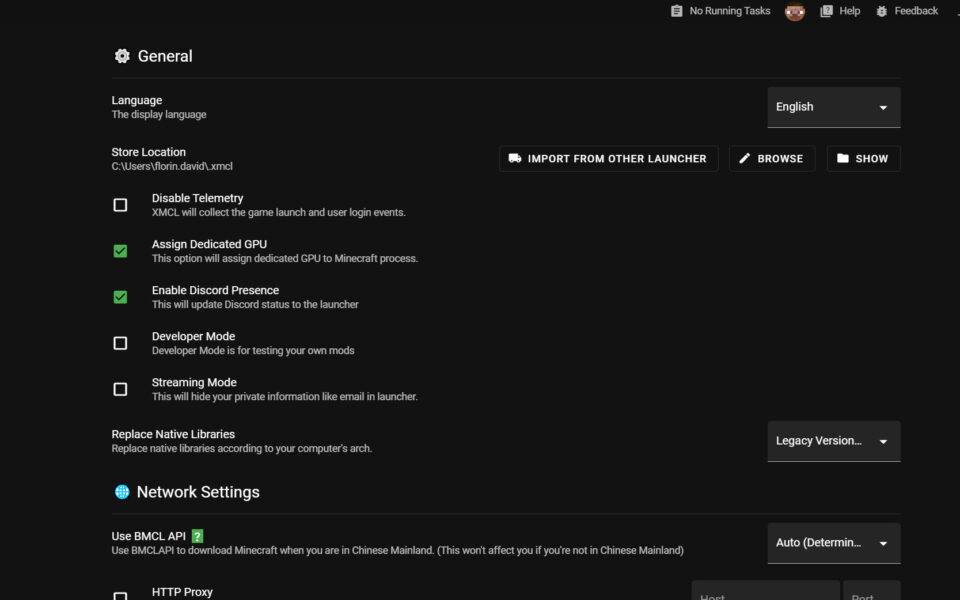
- Launch XMCL and pick your language and resource store location.
- Log in with your Microsoft Minecraft account from the top-left account button.
- Create a new instance, choose a version, add mods, and start playing.
- Also Download Discord for Windows – Free
System Requirements
| OS | Windows 10, 11 (32/64-bit) |
| CPU | Intel or AMD Processor |
| RAM | 4 GB minimum (8 GB recommended) |
| Storage | 500 MB free + space for mods |
| Other | Java runtime (auto-installed by launcher) |
| File Size | ~120 MB |
Pros and Cons
Pros
- Free and open source under MIT license
- Manages mods, modpacks, and shaders
- Disk-efficient hard-link sharing
- Built-in CurseForge and Modrinth
- Multi-instance support
- Peer-to-peer LAN multiplayer
- Modern, customizable interface
- Supports Forge, Fabric, Quilt, OptiFine
- No SmartScreen warnings on Windows
- Cross-platform on Windows, Mac, Linux
Cons
- Built on Electron, so it uses more RAM
- Larger app size than native launchers
- Hard links may confuse non-technical users
- Mod downloads rely on third-party APIs
- No offline accounts without a premium login
- Desktop only, no mobile or web version
- Can feel complex for vanilla-only players
- Occasional bugs reported in new releases
- Higher footprint on low-spec PCs
- Some basic features still maturing
Power Tips
Conclusion
The X Minecraft Launcher free download is one of the best modern launchers for modded Minecraft on Windows. It brings mods, modpacks, shaders, and multiple instances together in one clean, disk-friendly app, with built-in CurseForge and Modrinth support.
In real-world use, XMCL is best suited to players who love mods and run many different setups at once. Its hard-link system keeps your disk clean, and the peer-to-peer LAN feature is a rare bonus. If you want a powerful, free, and tidy way to manage Minecraft, the X Minecraft Launcher free download is a top choice for your Windows PC.







Comments (0)