
Thunderbird Free Download for Windows – Email Client
What is Thunderbird Free Download for Windows – Email Client?
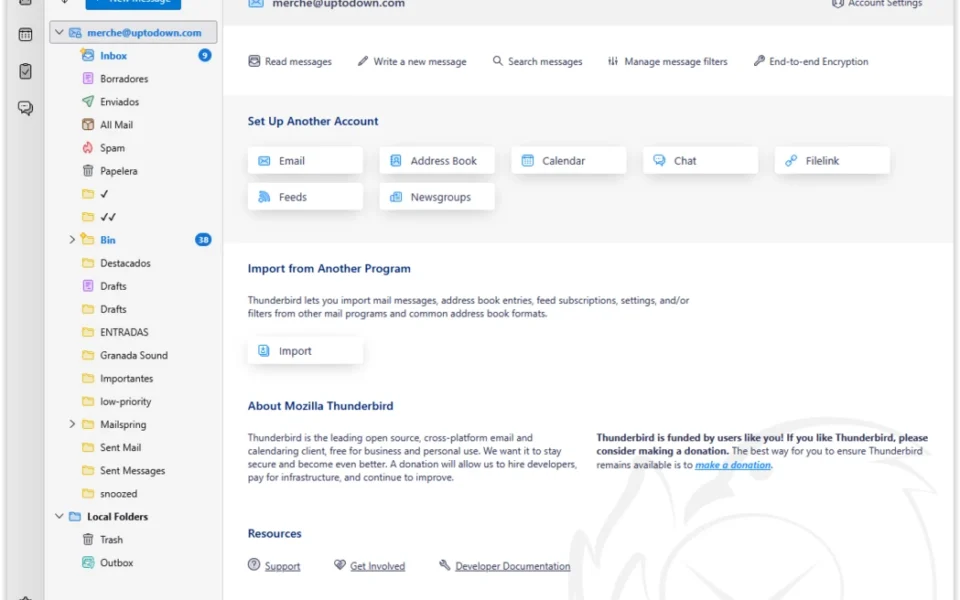
The Thunderbird free download gives you a free, open-source email client from Mozilla, the same developers behind Firefox, that manages email, calendars, contacts, and tasks in a single app. It connects any provider through IMAP, POP3, and SMTP, so personal, professional, and corporate accounts all live in one window. You can keep separate account views or switch to a unified inbox that shows every message across all your accounts at once.
Thunderbird treats privacy as part of its identity, not a marketing line — it does not collect personal data to sell ads, shares nothing with third parties, and supports OpenPGP and S/MIME email encryption with message-body search for encrypted mail. Smart folders, customizable labels, tags, and automatic filters sort messages according to rules you set, while the spam filter learns as you use it. For keeping your screen comfortable through long email sessions, check out Monitorian which adjusts monitor brightness from the system tray.
After testing it with three accounts from different providers, setup detected the server settings automatically and imported contacts within minutes. The real-time search opened results in a dedicated tab as soon as typing began, and the Archive feature cleared the inbox without deleting a single email. According to Wikipedia, Thunderbird is developed as free and open-source software with regular monthly releases.
Why Use This Software?
- Manages every email account in one place instead of scattered browser tabs.
- Keeps your data private — no ads in the inbox, no data sold to third parties.
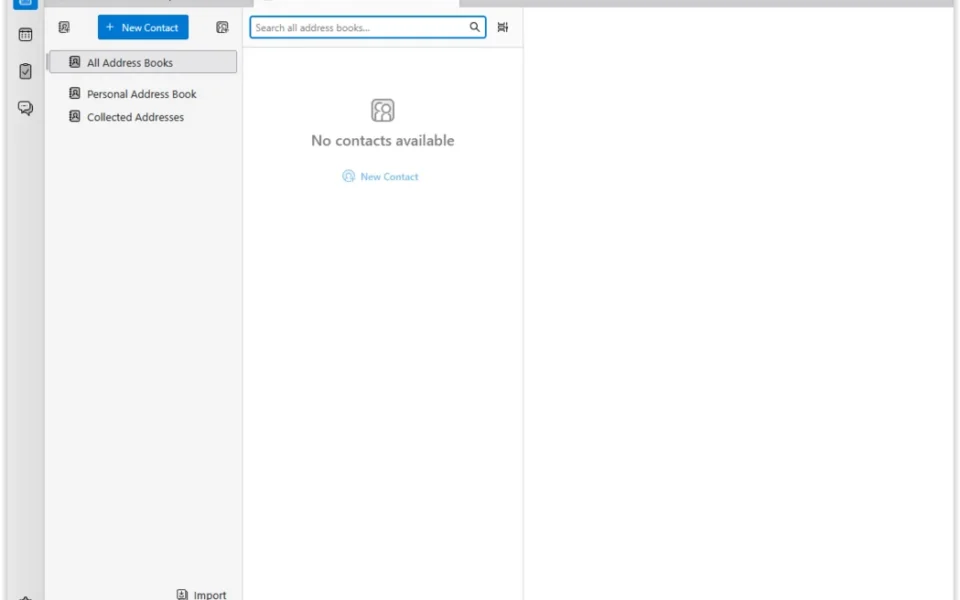
- Combines email, calendar, contacts, and tasks in a single free app.
- Sorts high message volumes automatically with filters and smart folders.
- Adapts to your workflow through thousands of add-ons and themes.
- Stays lightweight and stable even with multiple busy accounts.
- Backed by Mozilla and a volunteer community with monthly updates.
Screenshots
Key Features
- 📬 Multi-Account Support – Manages unlimited IMAP, POP3, and SMTP accounts together.
- 📥 Unified Inbox – Combines every account's mail into one view, or keeps them separate.
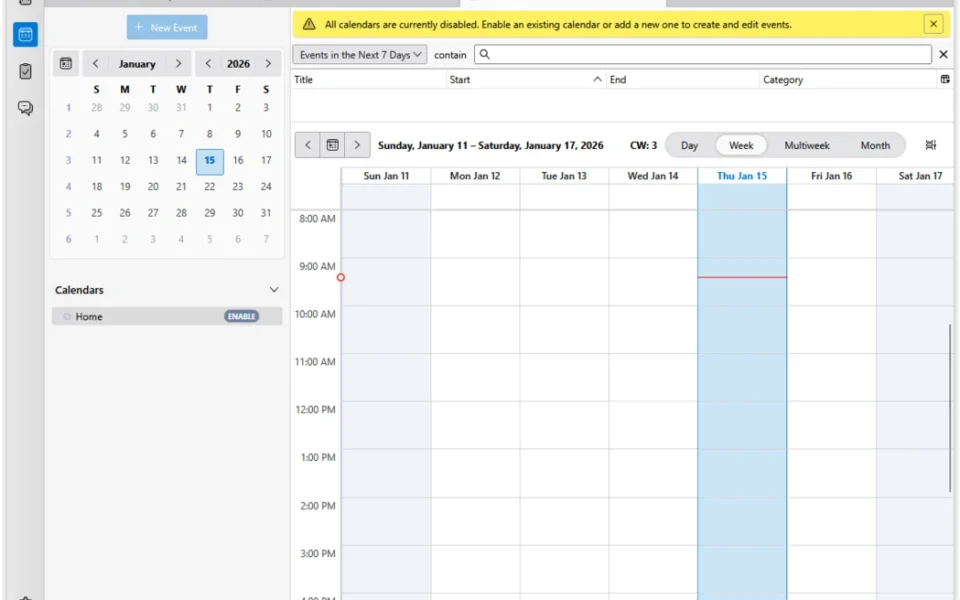
- 📅 Integrated Calendar – Tracks events, reminders, and deadlines without external services.
- ✅ Task Manager – Organizes to-dos alongside your mail and calendar.
- 🗂️ Smart Folders and Tags – Sorts messages with labels, filters, and custom rules.
- 🔍 Real-Time Search – Shows results in a dedicated tab as you type.
- 🔐 Built-In Encryption – Supports OpenPGP and S/MIME with encrypted message search.
- 🧩 Add-ons and Themes – Extends features and looks through a huge extension ecosystem.
- 🗞️ RSS and Newsfeed Reader – Follows feeds right inside the client.
- 💼 Microsoft Exchange Support – Connects to Exchange in the newest releases.
How to Install
- Download the Thunderbird installer from the link below.
- Run the setup and follow the on-screen steps.
- Enter your email address and let the app detect server settings automatically.
- Add more accounts, or enter IMAP and SMTP details manually if needed.
- Import contacts and existing mail from your previous email client.
- Explore the unified inbox, tags, and filters to organize your mail.
- Also try WinDirStat to see what fills your disk after big mail imports.
System Requirements
| OS | Windows 10 and 11 (64-bit) |
| CPU | Any Intel or AMD Processor |
| RAM | 2 GB minimum, 4 GB recommended |
| Storage | 200 MB plus space for your mail |
| Protocols | IMAP, POP3, SMTP, Exchange |
| License | Free and open source |
Pros and Cons
Pros
- Completely free and open source
- Strong multi-account support
- Unified inbox plus separate views
- Calendar and tasks built in
- Privacy-first, no ad tracking
- OpenPGP and S/MIME encryption
- Intelligent spam filter
- Thousands of add-ons and themes
- Microsoft Exchange support
- Regular monthly updates
Cons
- Interface feels utilitarian, not sleek
- Advanced settings take time to learn
- Limited cloud collaboration features
- Conversation view needs an extension
- Heavier than minimalist mail apps
- Some add-ons break between updates
- Setup depth can overwhelm novices
- Mobile and desktop features differ
- Sync speed varies with huge mailboxes
- No official cloud backup service
Power Tips
Top Alternatives
- Mailbird – a sleek Windows email client with app integrations, ideal if you want a more modern look over deep customization.
- eM Client – combines mail, chat, and calendar with a polished interface, though the free tier limits you to two accounts.
- Zimbra Desktop – an open-source collaboration client for users who need shared calendars and team features.
Frequently Asked Questions
Yes, it is developed by Mozilla as open-source software, uses strong encryption, and receives regular security updates from a large community.
Yes, it is completely free with no paid tiers, no ads in your inbox, and no personal data collected for advertising.
Yes, it connects to Gmail, Outlook, Yahoo, and any provider that supports IMAP or POP3, and the newest releases also support Microsoft Exchange.
Yes, calendar and task management are built in, so you can track events and deadlines without a separate app.
Yes, it supports OpenPGP and S/MIME encryption, and can even search inside encrypted message bodies.
Conclusion
The Thunderbird free download remains the most complete free email client on Windows, folding multiple accounts, calendars, contacts, tasks, and encryption into one privacy-first package. Its filters, tags, and unified inbox tame even heavy mail volumes, and the add-on ecosystem lets it grow into whatever your workflow needs.
The trade-offs are a utilitarian look and a learning curve around its deeper settings, which minimalists may find heavy. For anyone managing more than one account who wants control without ads or data collection, though, the Thunderbird free download is the clear first choice before any paid client.
Comments (0)