
What is Subtitle Edit Free Download for Windows?
The Subtitle Edit Free Download gives you a powerful, open-source tool to create, edit, and sync video subtitles on Windows. It supports over 300 subtitle formats and works for both casual users and professionals. You can fix out-of-sync subtitles, translate them, and even generate them from audio. The tool is completely free with no watermarks, ads, or hidden costs.
Subtitle Edit was created by Nikolaj Lynge Olsson and has been actively developed since 2001. It is one of the most widely used subtitle tools on Windows today. The tool reads and writes popular formats like SRT, ASS, VTT, and many broadcast formats. For other handy media tools, check out Format Factory which helps you convert audio and video files on Windows.
The tool works with VLC, MPC-HC, and mpv for video preview. It also has built-in AI Whisper transcription and waveform visualization. According to Wikipedia, Subtitle Edit supports 250+ subtitle formats and is available in 34 languages on Windows and Linux.
Why Use This Software?
- The Subtitle Edit Free Download handles the full subtitle workflow in one tool.
- Fix out-of-sync subtitles in seconds with multiple sync methods.
- Generate subtitles from audio using built-in AI Whisper transcription.
- Translate entire subtitle files into other languages quickly.
- Supports 300+ formats so you can convert between almost any type.
- Free, open source, and updated regularly with new features.
- Works on Windows 7 through 11, plus Linux and macOS.
Screenshots
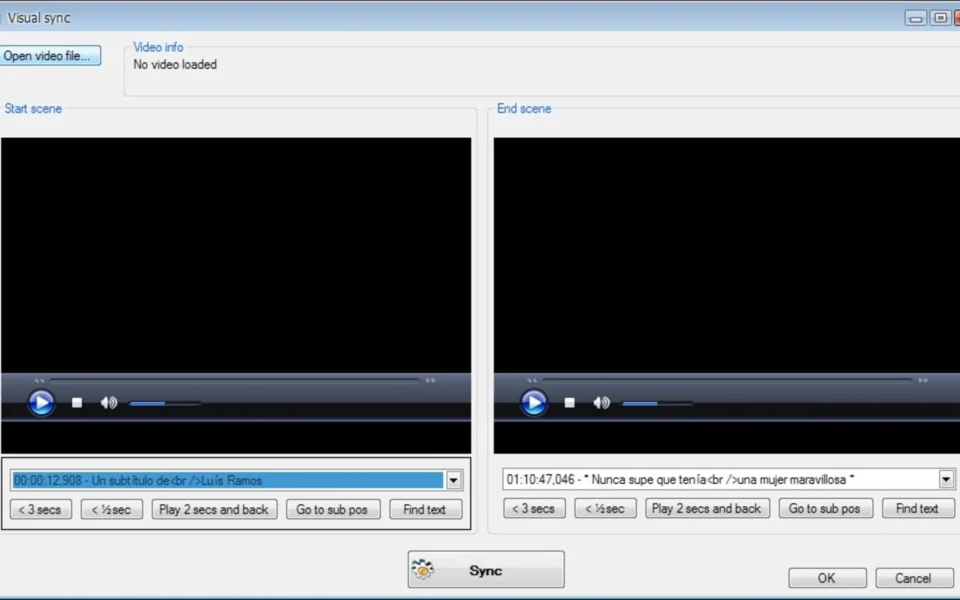
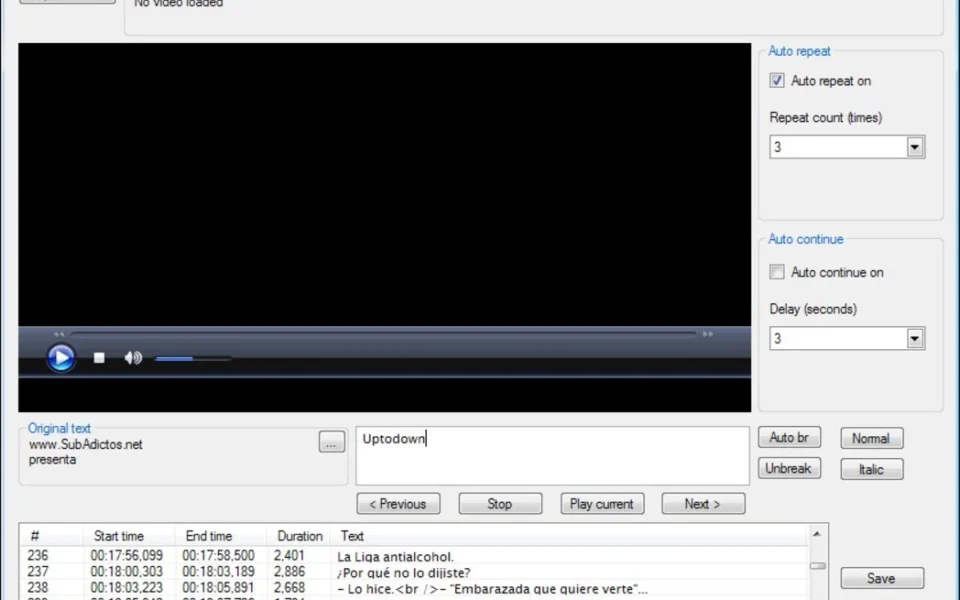
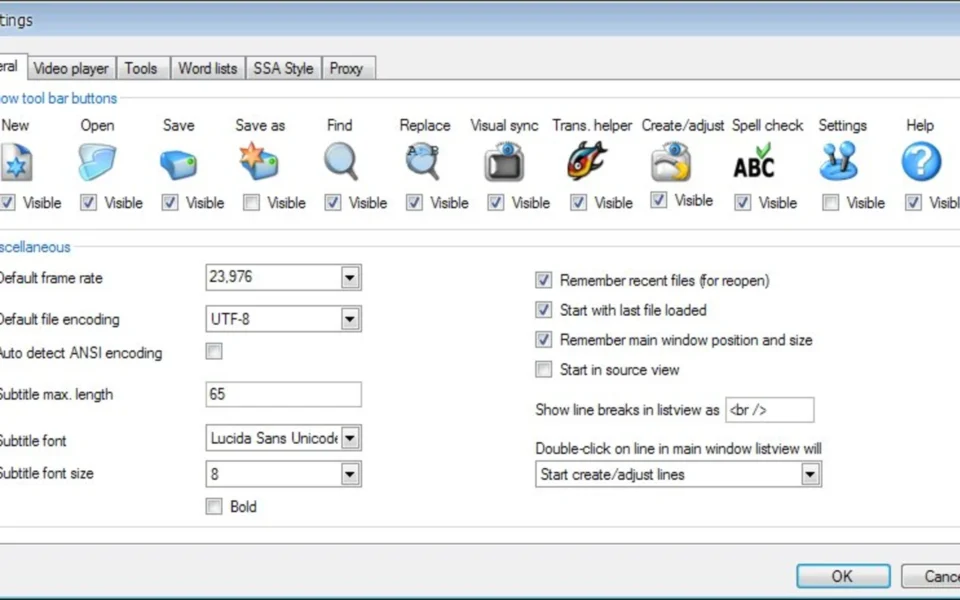
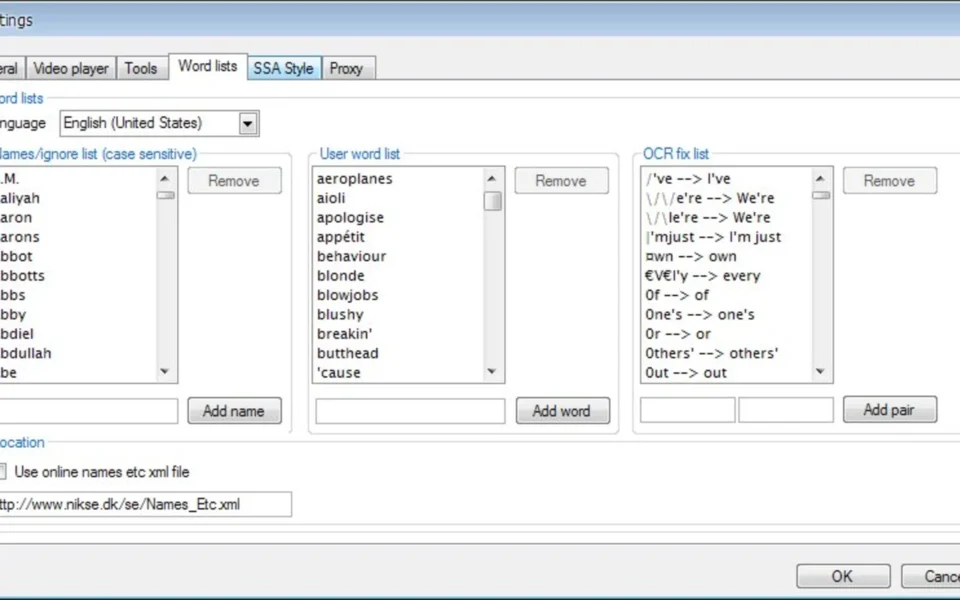
Key Features
- 📝 300+ Subtitle Formats – Read and write SRT, ASS, VTT, MicroDVD, and hundreds more formats.
- 🎬 Video Preview – Preview subtitle timing with VLC, MPC-HC, or mpv players built in.
- 🌊 Waveform and Spectrogram – Align subtitles with audio peaks for perfect timing.
- 🤖 AI Whisper Transcription – Auto-generate subtitles from video using speech recognition.
- 🌐 Auto Translation – Translate subtitles with Google Translate, Microsoft, or DeepL.
- 🔄 Sync Correction – Fix out-of-sync subtitles with offset, visual sync, and waveform tools.
- ✅ Spell Checker – Built-in spell check powered by Hunspell dictionaries.
- 💿 OCR Support – Extract and OCR VobSub and DVD subtitles into editable text.
- 📦 Portable Version – Run from a USB drive with no installation needed.
- 🆓 Free and Open Source – Released under GPLv3 with full source code on GitHub.
How to Install
- Download the Subtitle Edit installer or portable ZIP from the link below.
- Run the setup wizard or extract the portable version to any folder.
- Launch the tool and set your video player and spell checker options.
- Open a video file and load or create a new subtitle file.
- Edit, sync, or translate your subtitles, then save in your chosen format.
- Also Download VLC Media Player for Windows – Free
System Requirements
| OS | Windows 7, 8, 8.1, 10, 11 (32/64-bit) |
| CPU | Intel or AMD Processor |
| RAM | 2 GB minimum |
| Storage | 100 MB free disk space |
| Other | .NET Framework 4.8, VLC or mpv for preview |
| File Size | ~13 MB |
Pros and Cons
Pros
- Free and open source under GPLv3
- Supports over 300 subtitle formats
- Built-in AI Whisper transcription
- Auto-translation with Google, DeepL
- Waveform and spectrogram for sync
- Portable version available
- Active development since 2001
- OCR support for DVD subtitles
- Works on Windows, Linux, and macOS
- No ads, watermarks, or costs
Cons
- Interface can overwhelm new users
- Some features need a video player installed
- AI transcription needs extra model download
- DeepL may need your own API key
- No native macOS build before version 5
- Many features can confuse beginners
- Some advanced tools lack documentation
- Older versions need .NET Framework 4.8
- Linux build lacks full feature parity
- Large format list can feel cluttered
Power Tips
Conclusion
The Subtitle Edit Free Download is one of the best subtitle tools available for Windows. It covers everything from creating and editing to syncing and translating subtitles, all in one free, open-source package.
With support for over 300 formats, AI transcription, and powerful sync tools, it suits both beginners and professionals. Whether you are fixing a single out-of-sync file or building subtitles from scratch, the Subtitle Edit Free Download is a reliable choice for your Windows PC.








Comments (0)