
Screenshot Captor Free Download
What is Screenshot Captor Free Download?
The Screenshot Captor free download gives you one of the most powerful free screen capture tools you can get for Windows. Moreover, it grabs full screens, windows, regions, and even long scrolling pages with ease. Because it is built for power users, it handles heavy screenshot workflows while staying out of your way. Therefore, it suits writers, bloggers, testers, and anyone who documents with images. Made by DonationCoder, Screenshot Captor stays free through a simple, no-cost license key.
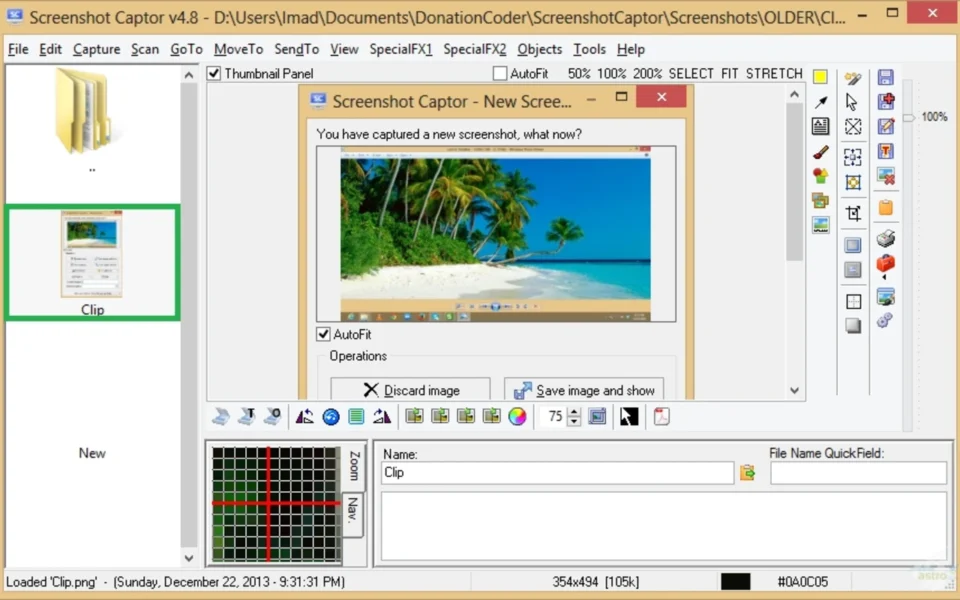
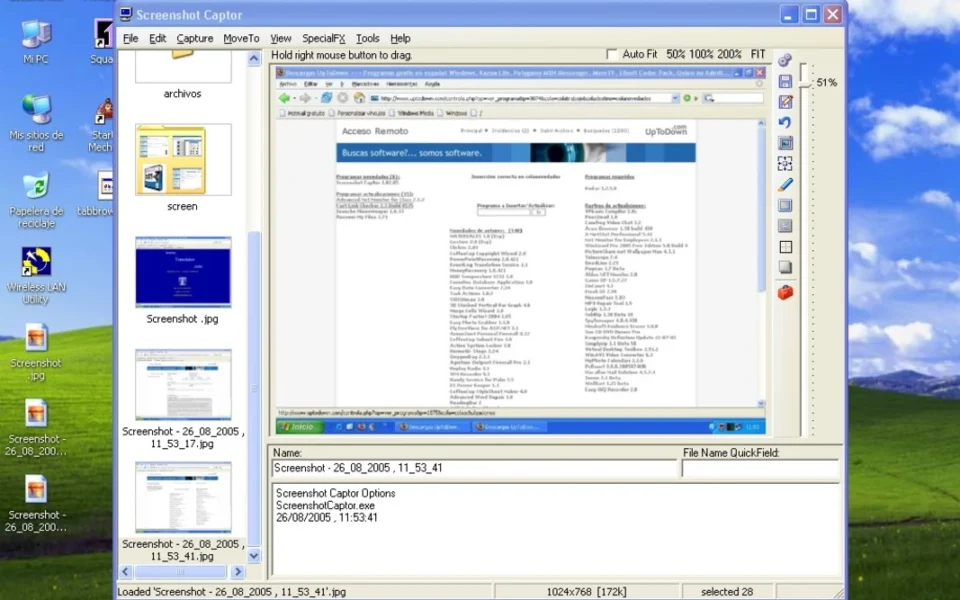
Screenshot Captor works by capturing your screen and dropping the image straight into its built-in editor and explorer. As a result, you can annotate, add callouts, and apply effects without opening another program. In addition, it uploads to image hosts, emails captures, and integrates with external editors. For a simpler capture tool as a lighter option, check out SnapShot which grabs quick screenshots with a hotkey.
After testing it on a long documentation task, the scrolling capture grabbed an entire web page in one clean image. Furthermore, adding numbered callouts and arrows took only seconds. The Screenshot Captor free download is best suited to anyone who takes and edits many screenshots. According to Wikipedia, a screenshot is a digital image that records the visible contents of a display.
Why Use This Software?
- The Screenshot Captor free download handles heavy screenshot workflows with ease.
- Moreover, scrolling capture grabs long pages that others cannot.
- In addition, quick callouts and arrows make annotation effortless.
- Furthermore, the image explorer keeps all your captures organized.
- Also, built-in uploading and email make sharing instant.
- Besides, special effects give your screenshots a polished look.
- Finally, it is free through a simple, no-cost license key.
Screenshots
Key Features
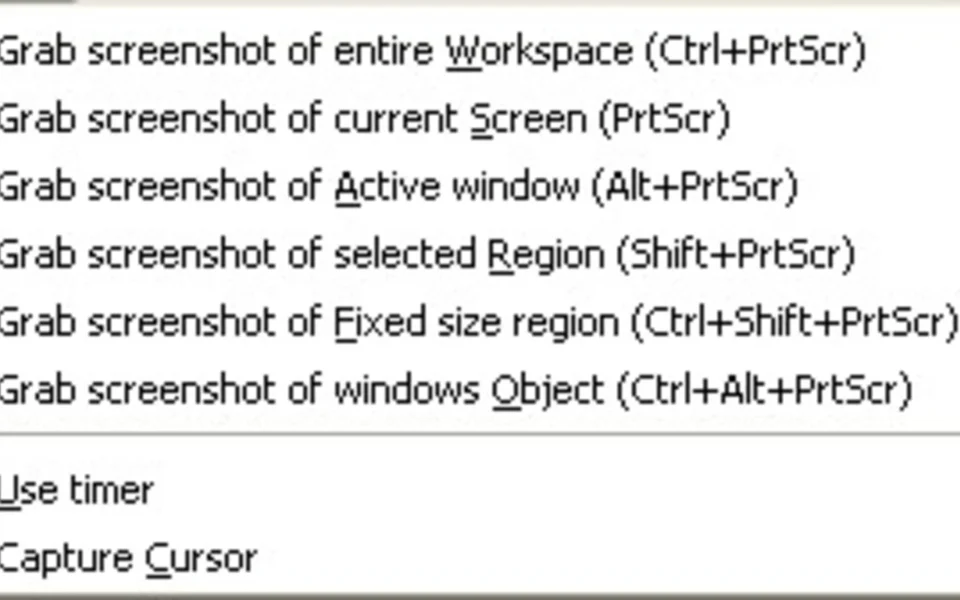
- 🖥 Many Capture Modes – Grabs full screen, window, region, or object.
- 📜 Scrolling Capture – Captures long pages and windows in one shot.
- ✏️ Annotation Tools – Adds callout arrows, text boxes, and highlights fast.
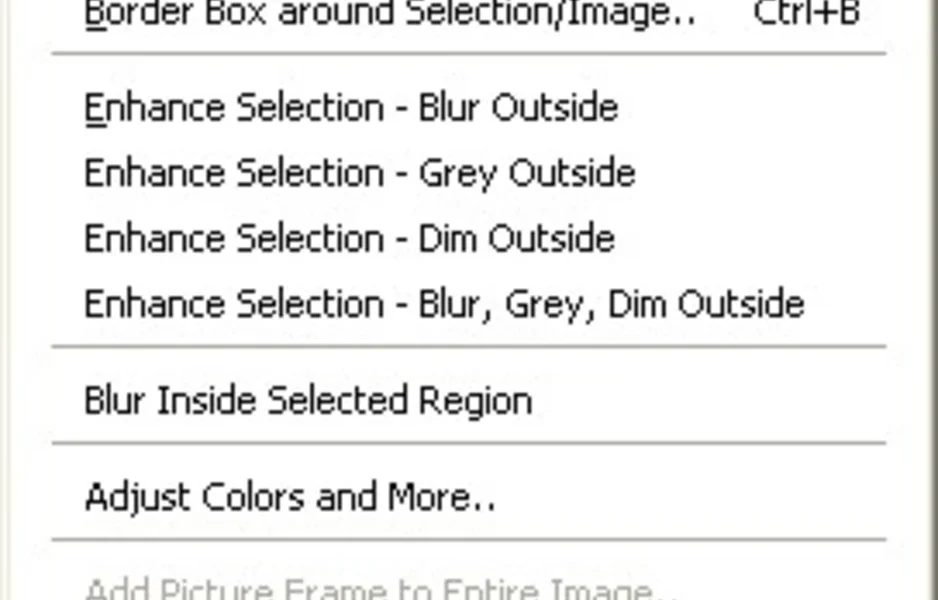
- ✨ Special Effects – Applies edge splicing, shadows, and window enhancement.
- 🕵️ Smart Object Removal – Erases unwanted parts with a smart edit tool.
- 📁 Image Explorer – Browses, sorts, and manages all your captures.
- 📤 Upload and Email – Shares screenshots to hosts or contacts instantly.
- 📷 Webcam Capture – Takes snapshots from your webcam too.
- 🔧 External Editor Support – Opens captures in your favorite image editor.
- 🆓 Free to Use – A powerful donationware tool with a free license key.
How to Install
- Download the Screenshot Captor installer from the link below.
- Run the setup file and follow the wizard.
- Get the free license key from the setup screen.
- Enter the key to unlock the free version.
- Set your hotkeys and start capturing.
- Also try GOM Player to play almost any video format on your Windows PC.
System Requirements
| OS | Windows 7, 8, 10, and 11 (32/64-bit) |
| CPU | Any Intel or AMD Processor |
| RAM | 512 MB minimum |
| Storage | 30 MB free disk space |
| Display | Single or multi-monitor setup |
| License | Free license key required |
Pros and Cons
Pros
- Free with a no-cost license key
- Powerful scrolling capture
- Rich annotation and callouts
- Many capture modes
- Built-in image explorer
- Special effects and edge tools
- Upload and email sharing
- Webcam capture support
- External editor integration
- Multi-monitor support
Cons
- License key system is convoluted
- Interface feels busy at first
- Overwhelming for casual users
- Windows only
- Donationware, not fully open
- Setup has many options
- Dated visual design
- Occasional GDI quirks on heavy use
- No built-in video recording by default
- License renewal can confuse
Power Tips
Conclusion
The Screenshot Captor free download is one of the most powerful free screen capture tools available for Windows. It captures full screens, windows, regions, and scrolling pages, then lets you annotate, edit, and share without any extra software. Moreover, features like callouts, special effects, and a built-in image explorer make it ideal for heavy screenshot work.
In real-world use, Screenshot Captor is best suited to bloggers, testers, and professionals who document with lots of images. While its license key system is a bit convoluted and the interface can feel busy, its power and flexibility are hard to beat. Therefore, if you take screenshots often, the Screenshot Captor free download is a must-have for your Windows PC.
Comments (0)