
Classic Shell Free Download for Windows
What is Classic Shell Free Download for Windows?
The Classic Shell free download gives you a lightweight way to regain control over your Start menu, taskbar, and file explorer on Windows. Moreover, it revives the classic Windows look and feel that many users miss from Windows 7, XP, and even Windows 95. Because it seamlessly integrates with the system, it never feels like an extra software layer sitting on top. Therefore, it suits anyone who dislikes constant Start menu redesigns and wants a familiar desktop workflow. Classic Shell is free software that improves productivity and lets you use the computer the way you like it.
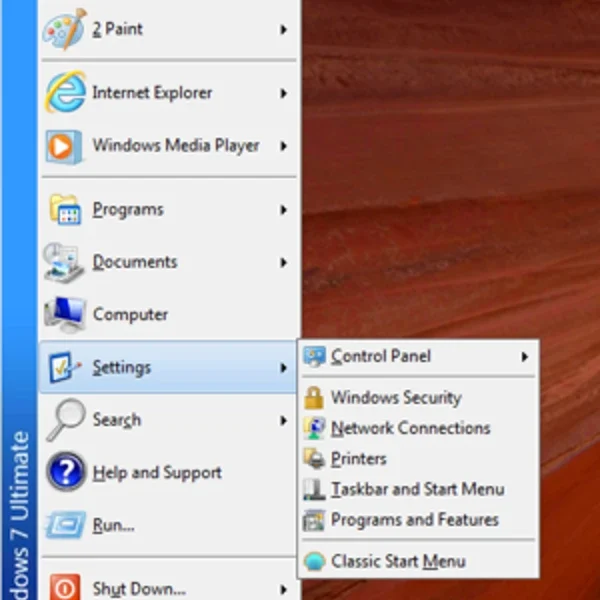
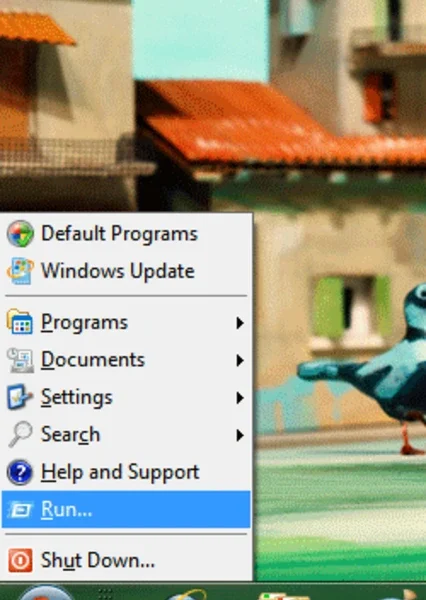
Classic Shell works as a small suite of modules that you can install or disable on their own. As a result, you get a classic Start menu replacement, an Explorer toolbar with copy, cut, paste, and Up buttons, and an optional Internet Explorer caption and status bar. In addition, an enhanced search box with live filtering helps you find programs, settings, files, and documents fast. For adjusting your display while you customize the desktop, check out Monitorian which controls brightness for multiple monitors.
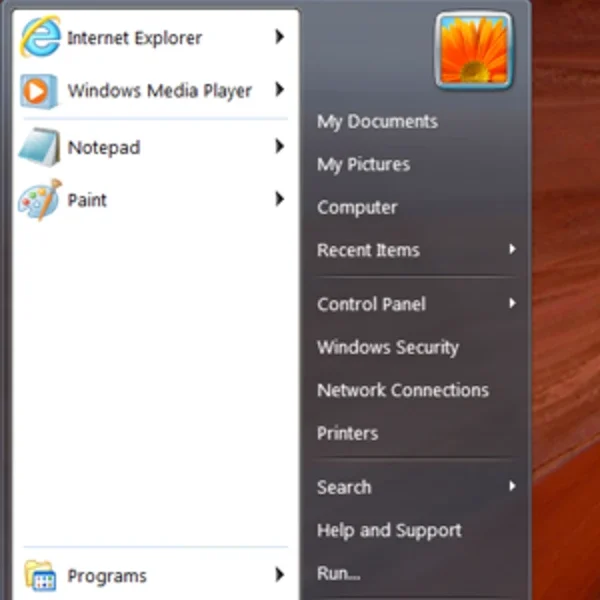
After testing it on a Windows 10 machine, the classic orb and Windows 7 style menu returned within seconds of installing. Furthermore, opening menus and Explorer windows felt instant, with no noticeable delay even on older hardware. The Classic Shell free download is best suited to power users, administrators, and anyone chasing a predictable desktop. According to Wikipedia, Classic Shell is free software that restores classic Windows interface elements.
Why Use This Software?
- The Classic Shell free download brings back a familiar, menu-driven desktop.
- Moreover, multiple styles and skins let you personalize every detail.
- In addition, the search box with live filtering speeds up app launches.
- Furthermore, Explorer buttons trim mouse travel and repetitive clicks.
- Also, an importable configuration file clones setups across user profiles.
- Besides, it stays light, so older hardware remains responsive.
- Finally, it is free, open source, and community-supported today.
Screenshots
Key Features
- 🪟 Customizable Start Menu – Choose Classic, Two Columns, or Windows 7 style.
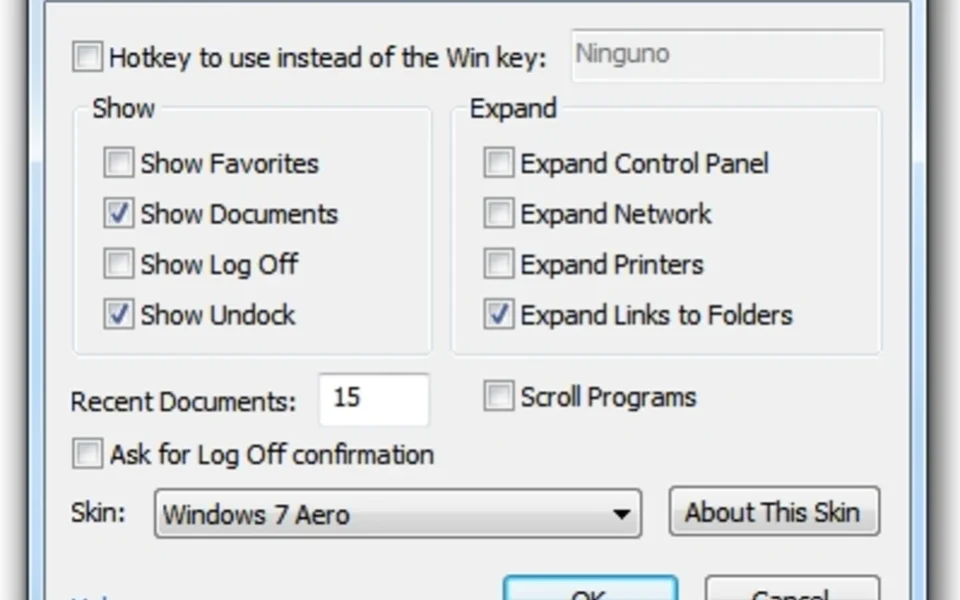
- 🎨 Skins and Styles – Personalize the menu appearance, size, and behavior.
- 🔍 Enhanced Search – Find programs, settings, files, and documents quickly.
- 📌 Quick Program Access – Reach recent, frequently-used, or pinned programs.
- 🔘 Classic Start Button – Replace the modern button with the classic Windows orb.
- 🧰 Explorer Toolbar – Adds copy, cut, paste, and Up buttons to file windows.
- 🌐 Internet Explorer Bars – Restores caption and status bar in Internet Explorer.
- 🧩 Modular Install – Keep only the components you actually want.
- ⚙️ Basic and Advanced Modes – Simple settings or deep tweakable options.
- 🪶 Lightweight Design – Uses few resources and installs in seconds.
How to Install
- Download the Classic Shell installer from the link below.
- Run the setup and follow the on-screen instructions.
- Choose components like Classic Start Menu, Explorer, or IE.
- Finish the install and let the app launch automatically.
- Right-click the Start button and open Settings to customize.
- Also try WinDirStat to clean up disk clutter while you tidy your desktop.
System Requirements
| OS | Windows XP, Vista, 7, 8, 10, and 11 (32/64-bit) |
| CPU | Any Intel or AMD Processor |
| RAM | 512 MB minimum |
| Storage | A few megabytes of free disk space |
| Editions | Also works on various Server editions |
| Note | Official updates stopped in late 2017 |
Pros and Cons
Pros
- Highly customizable Start menu
- Revives the classic Windows look
- Free and open source
- Lightweight, no performance hit
- Improved search functionality
- Explorer toolbar and Up button
- Modular components install
- Basic and advanced setting modes
- Works on many Windows versions
- Installs in a matter of seconds
Cons
- Development discontinued in 2017
- Too many options for casual users
- Occasional quirks on newer systems
- Modern Windows has its own menus
- Needs Open-Shell for updates
- Interface design looks dated
- Some skins feel outdated
- No official support anymore
- Setup depth can overwhelm
- Limited on very old Windows builds
Power Tips
Conclusion
The Classic Shell free download is an excellent choice for anyone who yearns for the classic Windows Start menu and interface. It restores familiar navigation patterns, adds handy Explorer buttons, and lets you personalize styles, skins, and behavior down to the smallest detail. Moreover, its modular design and light footprint keep even older machines fast and responsive.
In real-world use, Classic Shell is best suited to power users and administrators who want a predictable desktop without relearning each new interface. While official development ended in 2017, the community-driven Open-Shell project continues the work for those who need ongoing updates. Therefore, if you miss the classic Windows feel, the Classic Shell free download is a top pick for your Windows PC.


Comments (0)