
What is Zed Free Download for Windows – Code Editor?
The Zed free download gives you a blazing-fast code editor built from scratch in Rust. Moreover, it renders the whole window on your GPU, so typing feels instant even in huge files. Instead of the lag you get in heavy editors, Zed stays smooth and responsive. Therefore, developers who value speed switch to it quickly. Built by the original creators of Atom, Zed is open source and completely free to use.
Zed works differently from most editors because it skips the web-based Electron stack entirely. As a result, it opens large projects in under a second and uses far less memory than VS Code. In addition, it packs native Git, AI assistants, and real-time collaboration right into the core. For another handy creator tool, check out Sigil if you also edit EPUB and text-based files.
After testing it on a large codebase, the editor stayed at full speed while scrolling and searching across thousands of lines. Furthermore, the built-in AI panel made quick refactors easy. The Zed free download is best suited to anyone who wants a modern, fast editor without bloat. According to Wikipedia, Zed is developed by Zed Industries and released as free, open-source software.
Why Use This Software?
- The Zed free download gives you near-instant speed on big projects.
- Moreover, GPU rendering keeps the interface smooth at high frame rates.
- In addition, native Git support saves you from installing extra plugins.
- Furthermore, the AI assistant helps you write and refactor code faster.
- Also, real-time collaboration makes pair programming simple and quick.
- Besides, the Rust codebase uses far less memory than Electron editors.
- Finally, it is free, open source, and works on Windows, macOS, and Linux.
Screenshots
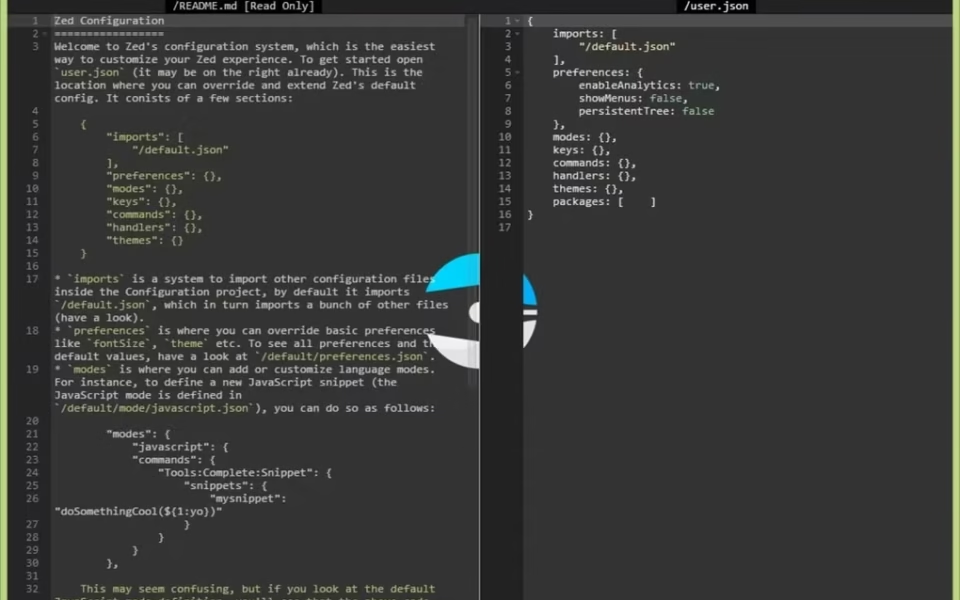
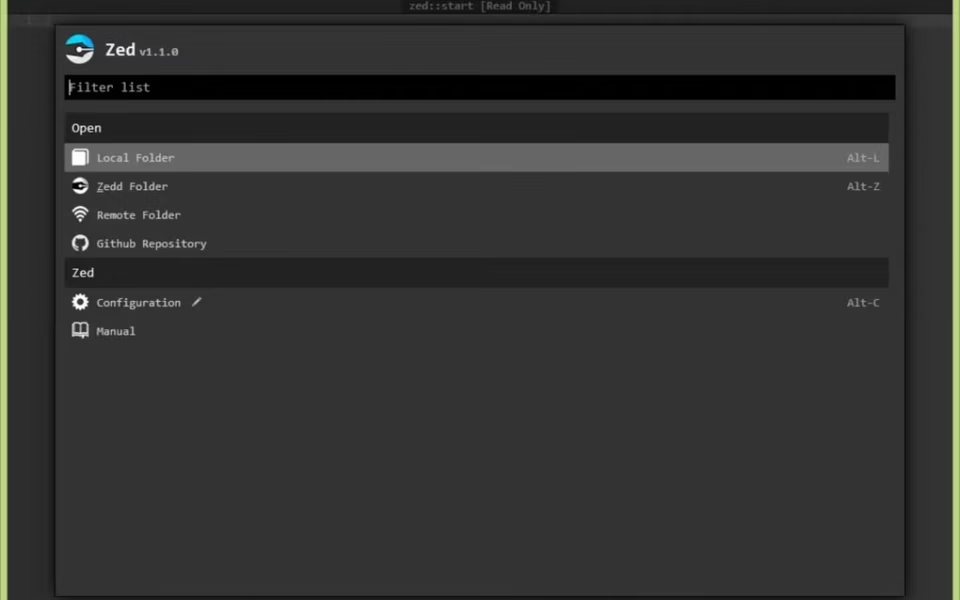
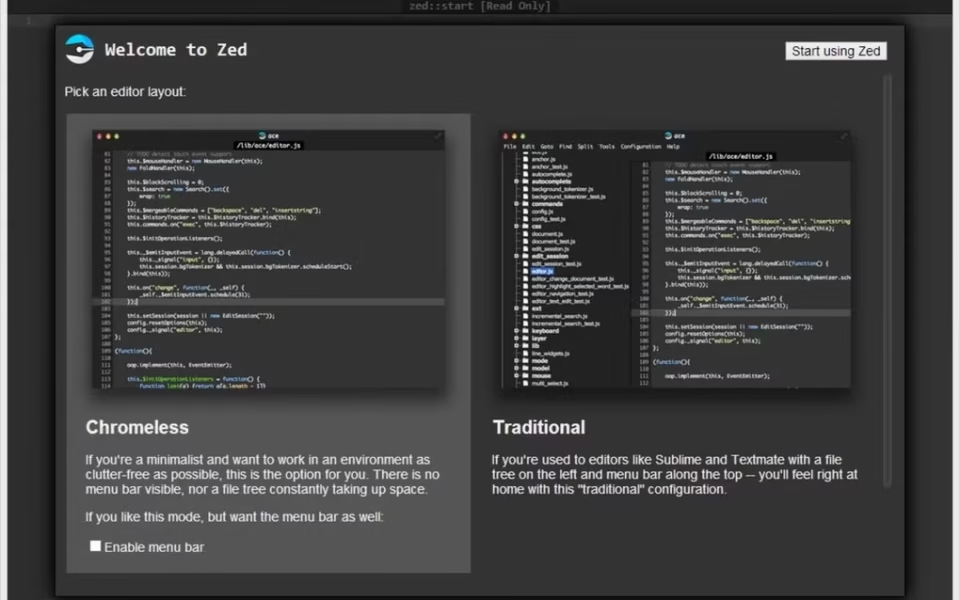
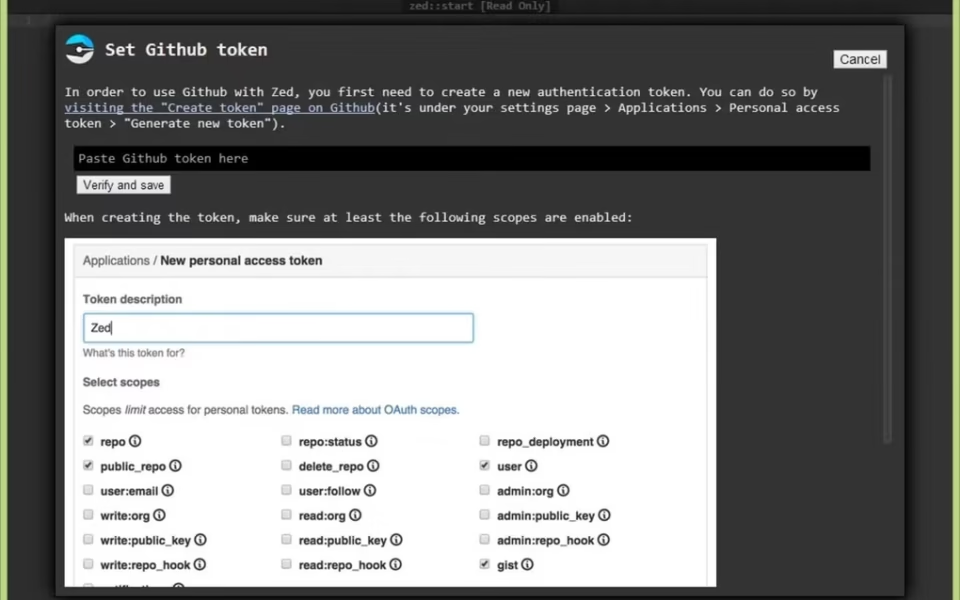
Key Features
- ⚡ GPU-Accelerated UI – Renders the entire window on your GPU for smooth, lag-free editing.
- 🦀 Built in Rust – Uses a fast, native codebase instead of heavy web technology.
- 🤖 AI Assistant – Connects to Claude, Copilot, OpenAI, and more for smart code help.
- 👥 Real-Time Collaboration – Share projects, edit together, and chat inside the editor.
- 🌳 Tree-sitter Highlighting – Delivers accurate syntax highlighting for many languages.
- 🔀 Native Git Support – Shows inline diffs, branches, and commit history without add-ons.
- 🖥 Multi-Buffer Editing – Edit references across many files in one single view.
- ⌨️ Vim Mode – Offers a familiar mode for developers who prefer Vim keys.
- 🧩 Extensions and Themes – Adds languages, tools, and looks through a growing library.
- 🆓 Free and Open Source – No cost, released under the GPL license on GitHub.
How to Install
- First, download the Zed installer for Windows from the link below. Then, run the setup file and follow the on-screen wizard. Next, launch Zed and open a folder or project to start coding. After that, pick your language and let Zed configure the language server. Finally, adjust the theme and settings to match your workflow.
- Download the Zed installer from the link below.
- Run the setup file and follow the wizard.
- Launch Zed and open your project folder.
- Choose your language for syntax highlighting.
- Customize themes and settings as you like.
- Also try GDevelop if you want to build games without heavy coding.
System Requirements
| OS | Windows 10 and 11 (64-bit) |
| CPU | Modern Intel or AMD Processor |
| GPU | DirectX 11 compatible graphics |
| RAM | 4 GB minimum, 8 GB recommended |
| Storage | 300 MB free disk space |
| Internet | Needed for AI and collaboration features |
Pros and Cons
Pros
- Free and open source
- Extremely fast GPU rendering
- Very low memory usage
- Built-in AI assistant
- Native real-time collaboration
- Native Git integration
- Written in fast Rust code
- Works on Windows, Mac, Linux
- Clean, distraction-free design
- Strong Vim mode support
Cons
- Extension library still growing
- Some languages have limited support
- Newer than VS Code, fewer guides
- AI features need your own API key
- No web version yet
- Fewer themes than mature editors
- Downloads some packages on setup
- Not truly lightweight in size
- Still maturing after 1.0 release
- Windows support is relatively recent
Power Tips
Conclusion
The Zed free download is one of the fastest and most modern code editors you can get for Windows. It combines Rust performance, GPU rendering, and built-in AI into a clean, distraction-free workspace. Moreover, native Git and real-time collaboration make it a strong choice for both solo coders and teams.
In real-world use, Zed is best suited to developers who feel slowed down by heavy Electron editors and want something faster. While its extension ecosystem is still growing, its speed and design are hard to beat. Therefore, if you want a fresh, high-performance editor, the Zed free download is well worth trying on your Windows PC.

Comments (0)